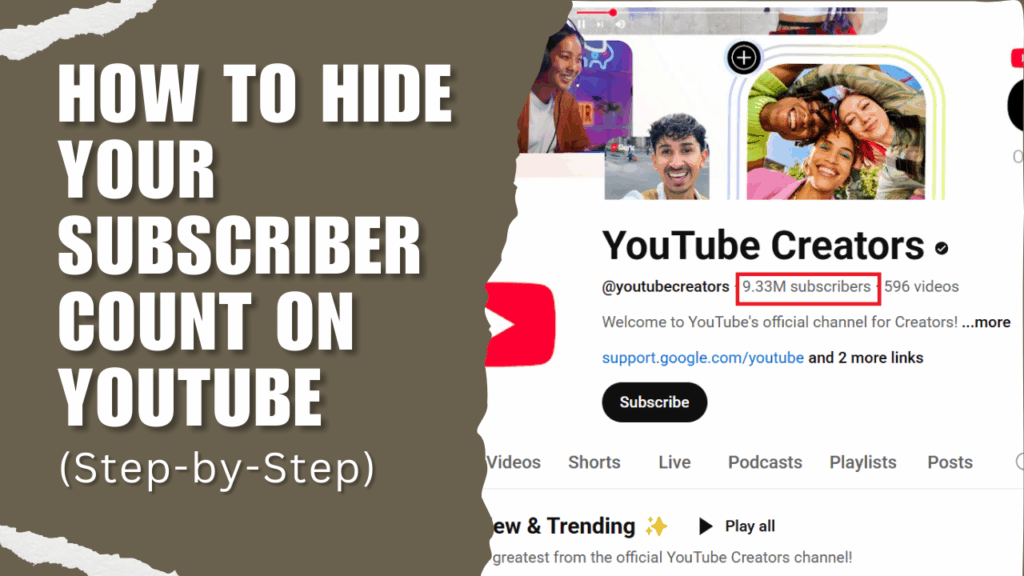
Despite being around for decades now, YouTube has always been up for making life easier for creators and their audience.
One of such advancements for creators was the introduction of the hide subscriber count feature, which made it possible for YouTubers to hide the number of subscribers they had from their audience.
While this became a favorite for many, it soon led to problems, including scams and impersonation, as mischievous people sought to take advantage of it.
YouTube took notice and removed the hide subscriber count feature in July 2022, leaving some ardent users disappointed, with some looking for ways to still enjoy this amazing feature. If you’re in this group and would like to hide your subscriber count, we just might have a solution or two for you.
But that’s not all we’ll be talking about here, as you’ll also see the current limitations, reasons for this, and potential workarounds. But first, why are creators bothered about keeping their subscriber count hidden?
Want to take your videos to the next level?
Why Creators Hide Their Subscriber Count

It may be surprising to many why creators even bother about hiding the number of subscribers they have on their channel. Well, there are many reasons why they do so, and understanding this rationale may be the key to unlocking whether you need to do the same.
1. Reducing Pressure for New Creators
Many YouTube creators opt to conceal their subscriber count to maintain control over how their channel is perceived publicly. Surprisingly, this is one of the biggest reasons creators hide that count.
Beginners with small subscriber bases often face intense pressure to grow rapidly. Hiding this number helps them focus on producing quality videos without feeling judged.
2. Shifting Focus to Content Quality
It gets even better as creators notice that hiding subscriber counts encourages viewers to engage with the videos themselves rather than a numerical metric.
Sometimes, these audiences evaluate a channel’s value based solely on its subscriber total, ignoring the substance of its content. So creators do the next best thing – conceal the number of subscribers they have.
This way, the focus is now on their work’s quality over arbitrary benchmarks. With the audience enjoying their smartly edited videos from professional YouTube video editing services even if they are a small channel.
You’ll find that this strategy benefits niche creators, like those making educational tutorials or hobby-specific videos, where depth matters more than audience size.
3. Supporting Strategic Branding
Other times it’s just about building a strategic branding, like creating a mysterious feel. Businesses or professional YouTubers may choose to project an air of exclusivity or mystery by keeping their numbers private.
A company launching a new channel, for instance, might obscure its subscriber count to appear established, regardless of its actual audience. Taking this approach can attract sponsorships or partnerships by emphasizing content relevance over raw statistics.
4. Protecting Against Competitive Scrutiny
Creators who want to prevent competitors from analysing their channel through competitive analysis use this privacy feature to block that. Rival channels or critics might use visible numbers to assess a creator’s influence or highlight perceived weaknesses.
By keeping this information hidden, creators avoid constant comparison and maintain a sense of control. This is especially valuable in crowded niches like gaming or beauty, where subscriber counts often spark fierce competition.
Ultimately, concealing subscriber counts stems from a desire for creative liberty, reduced stress, and intentional presentation. By exploring these motivations, creators can decide how to shape their channel’s public image while fostering meaningful connections with their audience.
Why Did YouTube Remove the Hide Subscriber Count Button?
If you went into your channel settings and tried to hide your subscriber count but can’t find the option, don’t worry, there’s nothing wrong with your account. YouTube has removed this option as far back as 2022.
YouTube typically releases updates that make both the creator and the audience’s lives easier. And hiding the subscriber count was one. It lets creators, whether new or old, hide the numbers they had. Channels with fewer subscribers, particularly benefit from this, as it helps them shift the focus to their content.
However, all this changed when unscrupulous people started to use this as a means to impersonate established channels and scam unsuspecting viewers.
YouTube had to remove the hide subscriber count option on the 29th of July 2022. Ever since, creators have not had an official and straightforward way of hiding their subscriber count on YouTube.
While that option no longer exists, there are other ways to achieve some form of privacy and hide your subscriber count in the process.
How to Hide Your Subscribers Count on YouTube?
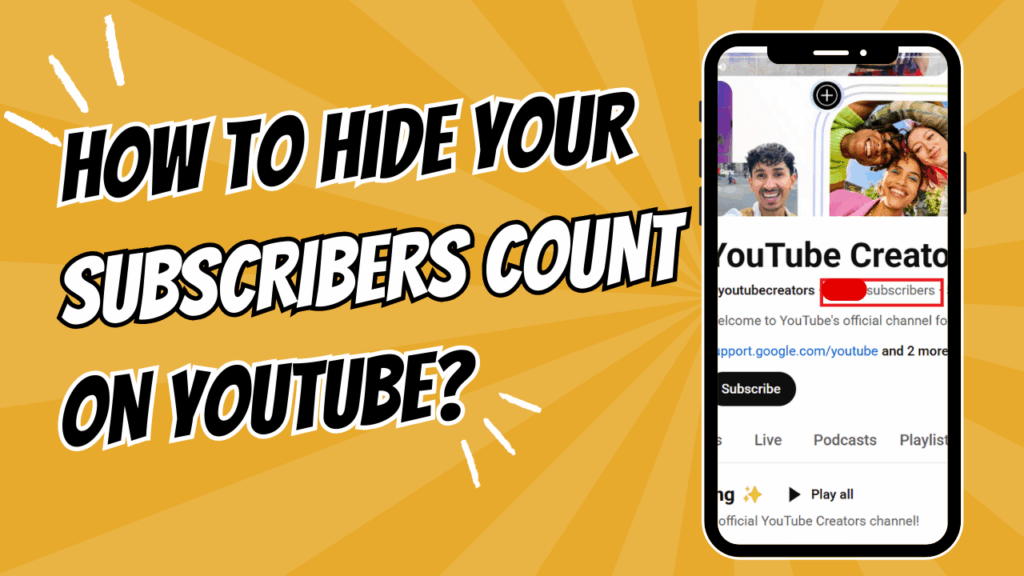
There are many ways to achieve some level of privacy on your subscriber count on YouTube. And although they vary from the initial straightforward hide subscriber count option, they can help you achieve your goal, with some trade-offs, of course.
With the many options available, you can still enjoy some of the benefits of concealing your subscriber count.
Temporarily Hide Your Channel

The first option, and probably the most profound, is to hide your full channel temporarily. Hiding your YouTube channel makes all content, including videos, playlists, and subscriber counts, invisible to the public.
Since YouTube removed the direct option to hide subscriber counts in 2022 to combat scammers, temporarily hiding your entire channel serves as the most effective alternative.
Hiding your channel is reversible, but it temporarily halts public engagement, which may impact growth or monetization. Communicate with your subscribers through other platforms if you plan to hide your channel for an extended period.
While this is an excellent way to achieve privacy, it does come with its challenges. Hiding the entire channel halts visibility, potentially stunting audience growth and engagement.
Public comments made by the channel are permanently deleted, which may disrupt community interactions. You should know that guiding your channel and deleting it are different and should be treated as such. Here is a detailed guide to follow when hiding your channel:
Step-by-Step Process:
Step 1: Log in to YouTube Studio on a desktop or mobile browser.
Step 2: In YouTube Studio, locate the left sidebar and click “Settings.” This opens a window with various channel management options.
Step 3: In the Settings menu, select the “Channel” tab.
Step 4: Then click “Advanced Settings” to reveal further options.
Step 5: Scroll to the section labeled “Remove YouTube Content.”
Step 6: You’ll be asked to confirm your login details before the new screen is shown.
Step 7: Click “I want to hide my channel.” A prompt will explain that this action hides your channel name, videos, playlists, and subscriber count from public view.
Step 8: Check all required boxes to acknowledge that public comments will be deleted permanently, but videos and other data remain safe. Click “Hide my channel” to finalize.
Confirm the channel is hidden by visiting your channel URL, which should show no content. To unhide, return to the same settings and select “Make my channel public.”
Make Your Subscriptions Private

This option takes a different turn to the privacy you seek as it hides the channels you’re subscribed to from your audience.
To put it simply, making your subscriptions private prevents others from seeing the channels you subscribe to on YouTube. It is available in your account’s privacy controls and ensures your subscription list remains hidden.
Hiding your subscriptions protects your personal interests, preventing viewers or competitors from analyzing your subscription list to infer your content strategy or preferences.
It’s ideal for creators who subscribe to competitors for research but want to maintain privacy. The process is quick and reversible, offering flexibility.
However, hiding subscriptions does not conceal your subscriber count, so it’s a limited privacy measure. It may even reduce networking opportunities, as public subscriptions can signal affiliations or interests to potential collaborators.
Step-by-Step Process:
Step 1: Open YouTube on a desktop or mobile browser and sign in. Ensure you’re using the account associated with your channel. And click your profile picture in the top-right corner.
Step 2: Then select “Settings” from the dropdown menu.
Step 3: In the Settings menu, click “Privacy” from the left sidebar. This section controls visibility of your subscriptions and liked videos.
Step 4: Locate the option labeled “Keep all my subscriptions private.” Toggle the switch or check the box to enable this setting. Verify by checking your public profile, where your subscription list should no longer appear.
Hide a Subscriber From Your Channel

YouTube makes it all the more interesting with a privacy option that lets you hide a particular subscriber or group of subscribers. This option is different from outrightly blocking a user, as they can still see and interact with your video, albeit without their interactions visible to the public.
Hiding a subscriber from your channel involves adding specific users to a “hidden users” list in YouTube Studio, preventing their comments from appearing publicly on your videos.
This does not block the user from subscribing or viewing your content, nor does it hide your subscriber count, but it limits their visible interaction with your channel.
As a creator, you get to manage disruptive or unwanted comments without fully blocking users, all while maintaining a positive community atmosphere. It is especially useful for handling trolls or overly critical subscribers.
While this method is a good way to manage your channel, it may require ongoing management if multiple users need to be hidden. And overuse could reduce genuine engagement, as some hidden users may contribute valuable feedback.
This may be the best time to delegate tasks like video editing to professional services like Your Video Editor so you can focus on managing your channel and growing.
Step-by-Step Process:
Step 1: Open YouTube Studio: Sign in to YouTube Studio on a desktop or mobile browser.
Step 2: In the left sidebar, click “Settings.”
Step 3: Then select the “Community Moderation” tab to access comment and user management options.
Step 4: Scroll to the “Hidden users” section, where you can add users whose comments you want to hide from public view.
Step 5: Enter the username or channel URL of the subscriber you wish to hide. You can find this by visiting their profile or locating their comments on your videos.
Step 6: Click “Save” to update the hidden users list. Their comments will no longer appear publicly, though they can still subscribe and view your content.
Use this feature sparingly to avoid alienating engaged subscribers, and consider full blocking for users who violate community guidelines.
Tips To Grow Your Channel Without Relying on Subscriber Count

Subscriber count is not everything, as you can grow a successful channel without focusing on it. But how? That’s the question most creators want answered.
Since YouTube has made public subscriber counts compulsory to combat scammers, creators can still thrive by emphasizing quality, engagement, and strategic promotion. These tips provide actionable strategies to boost your channel’s visibility and impact, helping you attract loyal viewers without fixating on numerical milestones.
1. Prioritize High-Quality Content Creation
Back to the age-old advice when it comes to growing a successful YouTube channel. Top creators on the platform know how important making high-quality content is to your chances of standing out from over 100 million active YouTube channels.
Invest time in producing videos that resonate with your target audience, whether through storytelling, education, or entertainment. This includes researching trending topics within your niche using YouTube’s search bar or tools like Google Trends to ensure relevance.
It doesn’t stop there, however, as you have to make that content even better with clear audio, well-edited visuals, and engaging pacing. Or you can let professionals like Your Video Editor handle it all.
2. Engage Actively with Your Audience
Another hack that is often underrated is building a loyal community. Something that straightforward can have a huge impact on your channel’s trajectory.
Look past your subscriber count and respond to comments on your videos to foster a sense of connection, encouraging viewers to return. You can try creating polls or community posts in YouTube Studio to spark interaction, such as asking viewers to vote on your next video topic.
3. Optimize Videos for Search and Discoverability
YouTube’s search engine optimization (SEO) helps your videos reach new viewers organically within the platform.
A few things you can do to improve your video’s SEO and search rankings include crafting descriptive titles with relevant keywords and writing detailed video descriptions with timestamps and keywords.
Add tags that reflect your content and niche, but avoid overstuffing. Compelling thumbnails with bold colors and clear text also attract clicks.
4. Promote Content on Platforms Outside YouTube
Usually, a wider reach helps you grow faster. And no, this is not limited to your subscriber count and its reach. As it also extends to other platforms and your audience there.
To grow on YouTube, you can leverage other platforms like X, Instagram, and TikTok to promote your videos or snippets of them. Create short clips or teasers from your YouTube videos to post on these platforms, linking back to your full content.
Join relevant online communities, such as Reddit forums like r/NewTubers or Facebook groups, to share your videos where allowed, targeting audiences interested in your niche.
You can make this easier through content repurposing, which Your Video Editor does effortlessly for Creators.
5. Leverage YouTube Analytics for Private Insights
There’s no better place to learn about your channel than YouTube Studio’s analytics, as it offers valuable data to refine your strategy without focusing on public subscriber counts. So how does this help you grow your channel beyond subscriber count?
Track the right metrics like watch time, audience retention, and click-through rates to understand what resonates with viewers. Also, identify which videos drive the most engagement and create similar content. Say, if a tutorial video has high retention, produce more in that format.
6. Experiment with Diverse Video Formats
Variety keeps your channel fresh and appeals to different viewer preferences. So experiment with formats like tutorials, vlogs, Q&A sessions, or live streams to discover what your audience enjoys.
Depending on your channel’s niche and content, you could alternate between all of them while ensuring not to neglect live streams in particular, as they foster real-time interaction.
7. Collaborate with Other Creators
Partnering with creators in your niche exposes your channel to new audiences and is an important step, no matter the number of subscribers you have.
Reach out to creators with similar content but non-competing audiences for collaborations, such as guest appearances or joint videos.
You can even attend creator events and meetups, which present the perfect opportunity to grow your net worth and meet others. These partnerships boost visibility without relying on subscriber metrics.
Final Thoughts
Since YouTube removed the button to hide subscriber count in 2022, creators who loved this feature have been left stranded. However, this is partly because many of them do not know the available options.
Although direct subscriber count concealment is no longer possible, temporarily hiding your channel or adjusting privacy settings offers control over public perception.
These strategies allow creators to focus on what truly matters: delivering captivating content that resonates with viewers. By prioritizing engagement and quality, you can cultivate a loyal audience without the pressure of numerical benchmarks.
To elevate your videos, consider partnering with Your Video Editor, a professional video editing service that transforms raw footage into polished masterpieces.
This investment enhances your channel’s appeal, helping you establish credibility and attract viewers beyond mere subscriber totals.
Experiment with SEO, collaborations, and diverse formats to amplify discoverability and grow your channel beyond the number of subscribers you have.
Your YouTube journey thrives when you embrace privacy as a tool for empowerment and focus on crafting content that leaves a lasting impression.