I’ve spent the last 3 years testing video editing services, and while some were genuinely amazing, most were honestly terrible,overpriced, slow, and clearly not made by people who understand what creators actually need.
Running Your Video Editor has given me a front-row seat to what creators are looking for, and I’ve also tested our competitors (yes, really) to see how we stack up against the rest of the market.
This post breaks down 24 video editing services I’ve personally researched, and I’ll share real pricing, actual turnaround times, and honest opinions on each one so you can make an informed decision without wading through marketing fluff.
Quick disclaimer: Yes, I run a video editing service, but I’m not going to pretend our competitors don’t exist or that all of them are terrible. Some of them are genuinely good at what they do, and I’ll tell you exactly who’s worth your money and who you should probably avoid.
No AI-generated fluff here,just real insights from someone who lives and breathes this industry every single day and has seen what works and what doesn’t firsthand.
Quick Overview: Best Video Editing Services (TL;DR)
If you’re short on time and just want the quick rundown, here’s my honest take on the top picks based on everything I’ve tested and researched:
- Best Overall Value: Your Video Editor – $50/video with no subscriptions and unlimited revisions included
- Best for Short-Form: Be Creatives – Fast 1-2 day delivery starting at $899/month
- Best Budget Subscription: Vidchops – Credit-based system that works well for regular uploads
- Best for High Volume: Vidpros – Dedicated editor for $1,000/month part-time
- Best for Large Channels: Tasty Edits – Proven with 7M+ subscriber channels, $190-240/video
Now let me break down each service in detail so you can see exactly what you’re getting and whether it’s the right fit for your specific needs.
Why I Wrote This Guide
Here’s the thing,most “best video editing services” articles are absolute garbage, written by people who’ve never actually used these services and just scrape websites to rewrite marketing copy, which isn’t helpful to anyone trying to make a real decision.
I’ve actually tested these services by submitting real projects, dealing with their support teams, and seeing the quality of work they deliver firsthand, which gives me a perspective most reviewers simply don’t have.
At Your Video Editor, we’ve served 500+ clients over the years, so I know exactly what good editing looks like, and I also know what overpriced garbage looks like (and there’s a lot of it out there that I want to help you avoid).
So let’s get into the actual breakdown.
The 24 Best Video Editing Services in 2026
1. Your Video Editor

- Category: Full-service video editing
- Best for: YouTube creators, coaches, businesses
- Ease of use: Beginner-friendly
- Pricing: Starting at $50/video
Okay, I’m obviously biased here since this is my company, but let me explain why we built this the way we did and why I genuinely believe it solves problems that other services create.
Most video editing services force you into monthly subscriptions where you’re paying whether you use them or not, and if you miss a month or your credits expire, that’s just too bad,you’ve lost your money with nothing to show for it.
We hated that model because it felt like it was designed to benefit the company rather than the creator, so we built something completely different that actually respects how creators work.
You pay per video, your credits never expire, there are no contracts, and if you only need one video edited this month, you pay for one video,it’s really that simple, and that’s exactly how it should be.
Our Advanced package starts at $50 for videos up to 5 minutes, Premium is $75 for more complex work, and Elite (our top 1% editors) is $100, with each tier adding $10-20 per additional minute beyond the base length.
For short-form content like Reels, TikToks, and Shorts, we charge $40 per video, and if you buy a pack of 10 videos it drops to $38 each, which is a solid deal for creators posting regularly.
We include stuff that others charge extra for,licensed music, stock footage, sound effects, and unlimited revisions,all in the base price, because we believe hidden fees are a terrible way to do business.
Pros
- No subscription lock-in, so you only pay when you actually need editing done
- Credits never expire, meaning you can use them whenever it works for your schedule
- Unlimited revisions included with every project
- Premium assets like licensed music and stock footage included free
- 24-48 hour turnaround for short-form content
Cons
- We get fully booked during peak periods, so sometimes there’s a wait
- No wedding or event video editing,that’s not our specialty
Best For: Creators who want quality editing without getting locked into subscriptions or worrying about expiring credits,if you’re tired of paying monthly fees for services you don’t always use, this is your answer.
2. Video Husky
- Category: Subscription video editing
- Best for: Talking head videos, educational content
- Ease of use: Intermediate
- Pricing: $849/month (Eskimo plan)
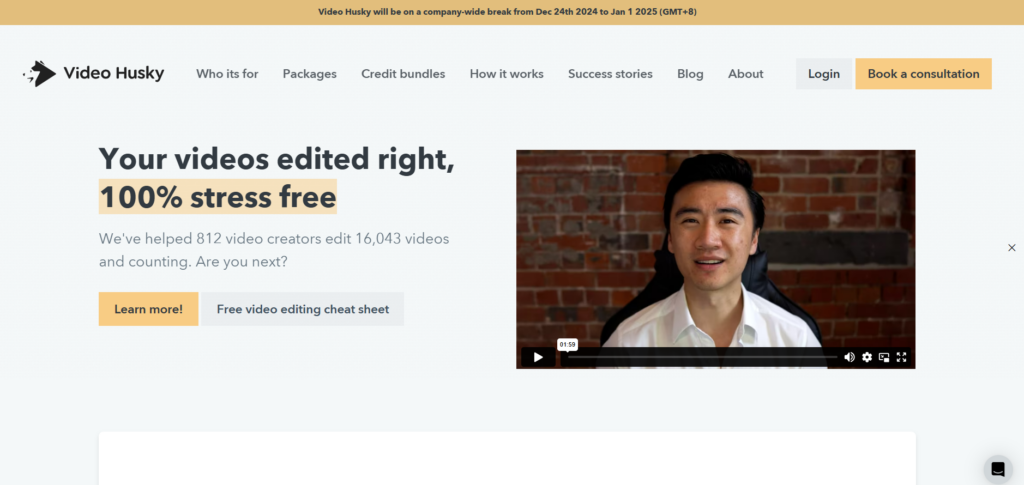
Video Husky has been around for a while and has edited over 16,000 videos for 800+ creators, which represents a solid track record and a lot of experience with different content types.
What I like about them is the dedicated team approach,you get an account manager AND an editor assigned to your projects, and the same people work on all your content so they learn your style over time and maintain consistency.
Their Eskimo plan runs $849/month, Siberian is $1,590/month with more features and capacity, and St. Bernard (their top tier) is $2,749/month for agencies and high-volume creators who need maximum output.
They also recently added credit bundles for creators who don’t want monthly subscriptions, which was a good move on their part and shows they’re listening to what creators actually want.
The main downside is that you can only have one video in progress at a time per subscription, so if you need multiple videos edited simultaneously, you’ll need to purchase multiple subscriptions which adds up quickly.
Pros
- Dedicated account manager and editor who learn your preferences
- 97.5% of videos delivered within 2 business days
- Credit bundles now available for more flexible purchasing
- Direct upload to YouTube saves you time
Cons
- One video at a time per subscription limits throughput
- No weekend support if you need help outside business hours
- 4K editing only available on highest tier
Best For: Creators making consistent talking head or educational content who want the same team working on every video and value that relationship-based approach.
3. Replayed
- Category: Creator-focused editing
- Best for: Commentary, documentary-style content
- Ease of use: Intermediate
- Pricing: $25-39/hour or $279+ flat rate
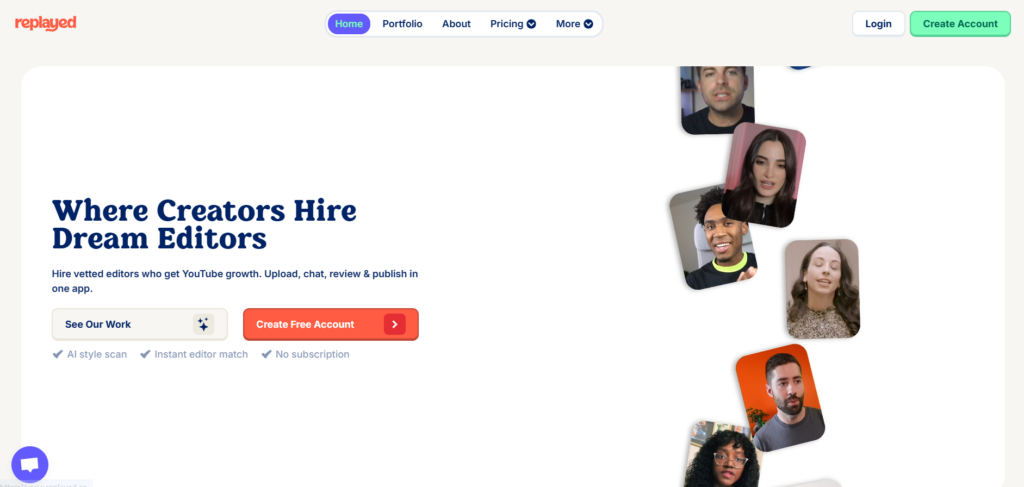
Replayed takes an interesting approach by matching you with editors based on your channel’s style, and there are no middlemen getting in the way,you talk directly to your editor, which makes communication faster and more effective.
Their client list is genuinely impressive, with creators like Elvis The Alien running 3 channels with them and Adi Fishman growing from 170K to 2M subscribers in under a year while using their service.
Junior editors charge $25/hour while seniors charge $39/hour, and they also offer flat rate packages starting at $279 for 15-50 minutes of raw footage and $559 for over 50 minutes if you prefer predictable pricing.
What really sets them apart is their understanding of YouTube growth,these aren’t just editors who know software, they know what makes videos actually perform on the platform, which is valuable if you’re serious about growing your channel.
Pros
- Editors who understand the YouTube algorithm and what drives retention
- Direct creator-editor communication without middlemen slowing things down
- Impressive client roster with proven growth results
- Flexible pricing options for different budgets and project types
Cons
- Premium pricing compared to budget alternatives
- Popular editors may have waitlists during busy periods
Best For: Serious YouTube creators focused on growth who need editors that understand the platform deeply and can contribute to retention strategy.
4. Tasty Edits
- Category: Premium YouTube editing
- Best for: Large channels, agencies
- Ease of use: Beginner-friendly
- Pricing: $190-240/video
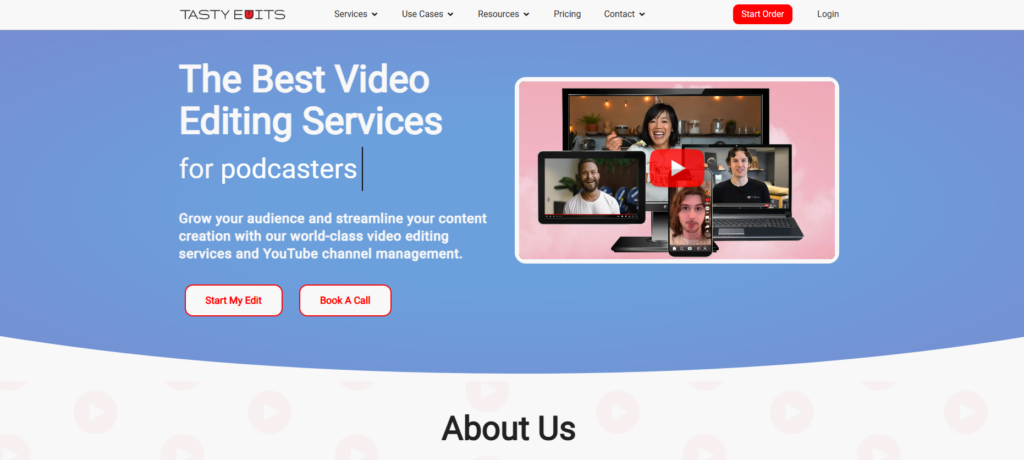
Tasty Edits works with some absolutely massive channels, including The Human Anatomy Lab (7.4M subscribers), Brandon Farris (6.7M subscribers), and Film Cooper (1.2M subscribers),so they clearly know how to handle content at scale.
They built their own platform called VOMA that handles everything from order submission to final delivery, and it’s a pretty slick system that makes the whole workflow smoother than using cobbled-together tools.
Pricing starts at $190-240 per video depending on complexity, with package deals dropping that by up to 20%, and vertical videos are $50 each with 24-hour turnaround if you need quick shorts.
They also offer full channel management starting at $770/month, which includes keyword research, SEO optimization, community engagement, and analytics,basically handling the entire YouTube presence for creators who want to be hands-off.
If you’re running a large channel and want hands-off management from a team that has proven results with major creators, these guys clearly know what they’re doing and have the track record to back it up.
Pros
- Proven track record with major YouTube creators
- Custom VOMA platform streamlines the entire workflow
- Channel management available for hands-off operation
- 48-hour first draft guarantee keeps projects moving
Cons
- Higher pricing than budget options may not suit smaller creators
- No wedding video editing if that’s what you need
Best For: Established creators and larger channels needing premium services from a team with proven results at the highest levels of YouTube.
5. Vidpros
- Category: Dedicated editor service
- Best for: High-volume creators
- Ease of use: Intermediate
- Pricing: $1,000/month part-time, $4,000/month full-time
Vidpros does something smart that many services don’t,they limit each editor to just 4 clients maximum, which means your editor actually has time to do quality work instead of rushing through a massive queue of projects.
Their overnight turnaround is legitimately impressive because of their Philippines-based team,you submit footage by end of day, and you get your edit back in the morning since they’re working while you sleep.
Part-time is $1,000/month for 2 hours of dedicated editing daily, while full-time is $4,000/month for 8 hours daily, and both tiers include stock footage, licensed music, and AI-generated captions.
They use Frame.io for reviewing edits, which makes giving feedback super easy since you can just click on the exact frame where you want changes and leave a comment right there.
The main limitation is that they don’t do custom 2D/3D animations from scratch, though they can work with existing templates if you have specific motion graphics needs.
Pros
- Low 4:1 client-to-editor ratio means better attention to your projects
- Overnight turnaround leverages time zone differences effectively
- Frame.io integration for precise, time-stamped feedback
- Month-to-month flexibility without long-term contracts
Cons
- No custom animation creation from scratch
- No free trial, though $100 test option available
Best For: Creators needing consistent daily editing with fast turnaround,especially great if you’re outsourcing for the first time and want a dedicated relationship.
6. Be Creatives
- Category: Short-form specialists
- Best for: Reels, TikTok, YouTube Shorts
- Ease of use: Beginner-friendly
- Pricing: $899/month (Scale), $1,999/month (Pro)
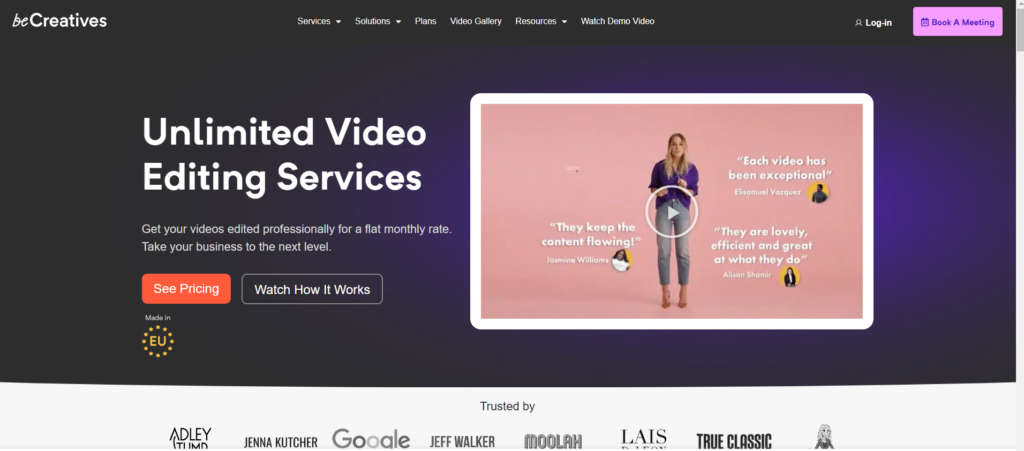
Be Creatives focuses specifically on short-form content, so if you’re all about Reels, TikTok, and Shorts, these guys genuinely understand what works in that space and optimize their editing for those platforms.
They’ve edited over 50,000 videos for 100+ monthly clients, with their team spanning Jackson, Wyoming, Lithuania, and Turkey,which gives them good coverage across time zones for faster delivery.
What impressed me most was their turnaround speed,they can deliver multiple shorts in 24 hours, and 10-minute videos typically come back in 24-48 business hours, which is faster than most competitors I’ve tested.
The Scale plan is $899/month (or $749 if paid annually), while Pro is $1,999/month ($1,665 annually), and both include a dedicated editor and account manager who learn your style.
They helped creator Alex Tubio go from 100K to 800K video views while posting 3-4 videos daily, which demonstrates real results in the short-form space where consistency and volume really matter.
Pros
- Short-form video experts who understand platform-specific optimization
- 24-hour turnaround available for fast-moving content needs
- 14-day money-back guarantee reduces the risk of trying them
- Dedicated editor who learns your style over time
Cons
- No wedding or music video editing,strictly creator content
- 60-minute maximum video length limits long-form options
- One task at a time can slow down high-volume needs
Best For: Creators focused heavily on vertical content for Instagram, TikTok, and YouTube Shorts who need fast, consistent editing that understands those platforms.
7. Vidchops
- Category: Credit-based editing
- Best for: Regular YouTube uploads
- Ease of use: Beginner-friendly
- Pricing: $495/month (Weekly), $995/month (Pro)
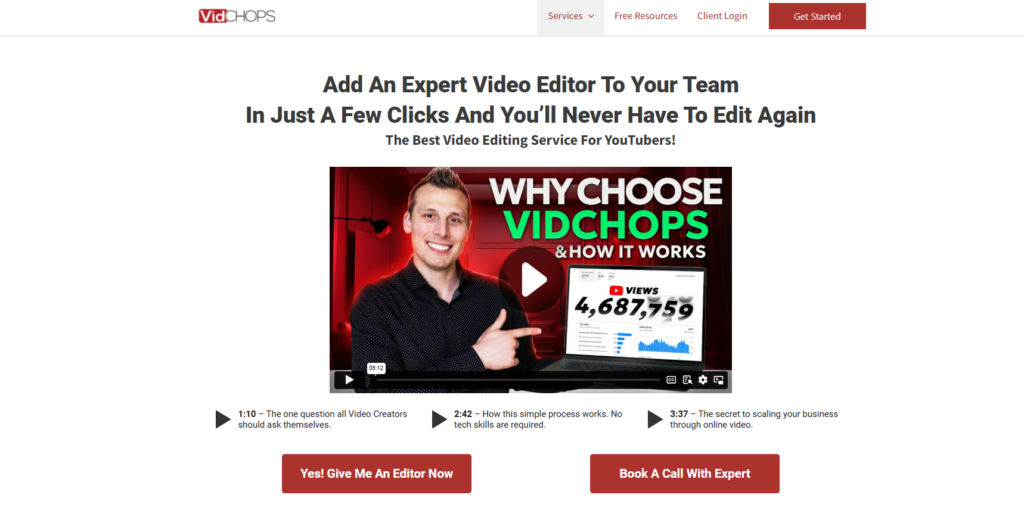
Vidchops has an interesting credit system where one credit equals one long-form video OR four short-form videos, which gives you flexibility to use your allocation however makes sense for your content mix.
They’re trusted by some big names in the creator space including Think Media, Brian G. Johnson, and Dr. Vanita Rattan, with over 5,000 creators using their service,so they’ve clearly figured out what works.
Their editors understand YouTube retention and specifically focus on adding pattern interrupts, engaging b-roll, and optimized pacing, with the explicit goal of keeping viewers watching longer since that’s what drives the algorithm.
VidChops Weekly gives you 4 credits monthly with 3 revisions per video, while Pro gives you 8 credits with unlimited revisions,a meaningful upgrade if you’re posting frequently.
One important catch to know: credits don’t roll over to the next month, so you need to use them or lose them, and subtitles cost an extra $95/month on long-form videos which can add up.
Pros
- Flexible credit system lets you mix long and short-form content
- Retention-focused editing specifically optimized for YouTube
- Free short-form repurposing included with long-form edits
- 14-day money-back guarantee if you’re not satisfied
Cons
- Credits don’t roll over, creating pressure to use them each month
- Subtitles cost extra at $95/month for long-form
- No voiceover services if you need that
Best For: YouTubers posting regularly who want predictable, credit-based pricing and editing focused on retention,helps avoid creator burnout by offloading the editing work.
8. EditCrew
- Category: Production support
- Best for: Agencies, production houses
- Ease of use: Intermediate
- Pricing: $1,599/month (Essentials), $2,499/month (Pro)
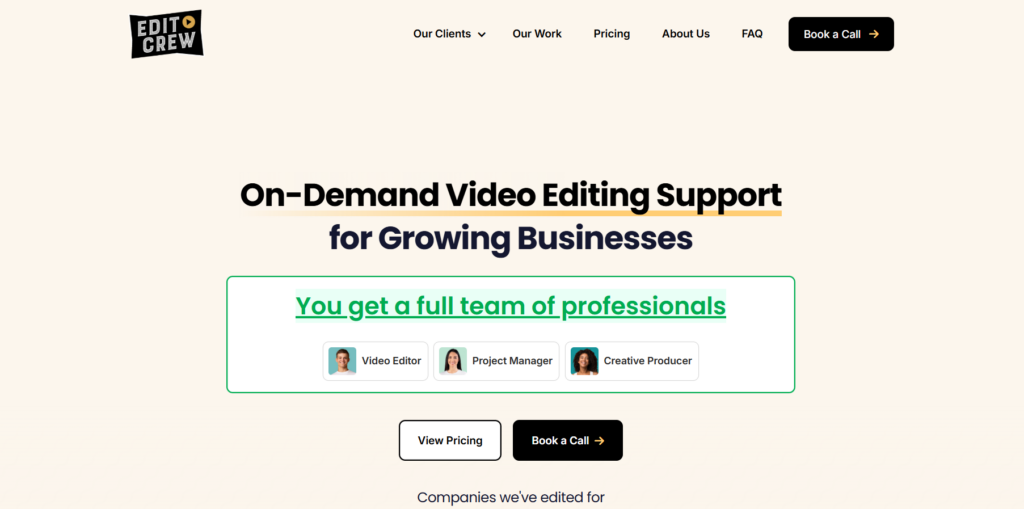
EditCrew serves much bigger clients than most services on this list,we’re talking Pepsi, Microsoft, Etsy, Bosch, and GoPro,so these aren’t small creator projects but serious enterprise-level work.
Their Colombia-based team has grown to 80+ creative professionals, and when you work with them you get a Video Editor, Project Manager, and Creative Producer all assigned to your account.
Essentials is $1,599/month for 15 hours weekly, while Pro is $2,499/month for 40 hours weekly,that’s basically a full-time editor at a fraction of what you’d pay for US-based talent.
They offer bilingual English/Spanish service, deliveries include project files and sourced assets, and communication happens within the hour during US Central Time business hours.
Fair warning though,they’re not ideal for first-time outsourcers or smaller creators since they work best with teams that already have established video workflows and know what they need.
Pros
- Enterprise client roster demonstrates capability at scale
- Full support team assigned per client
- Bilingual capability useful for international content
- Project files included with deliveries
Cons
- Not ideal for beginners or first-time outsourcers
- Colombian holiday schedule may differ from your expectations
- No voiceover services included
Best For: Production companies, agencies, and brands needing reliable editing overflow capacity from a team experienced with major corporate clients.
9. Flocksy
- Category: Multi-service creative
- Best for: Businesses needing multiple creative services
- Ease of use: Beginner-friendly
- Pricing: $1,195/month for 2 daily hours
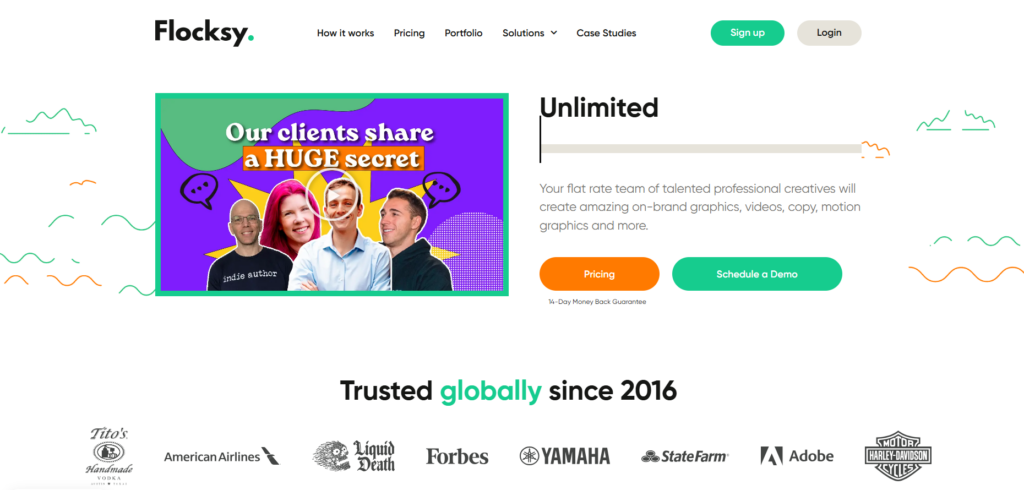
Flocksy isn’t just video editing,they handle graphic design, copywriting, motion graphics, and more, all under one subscription which makes it appealing if you need multiple types of creative work.
You get a dedicated Production Coordinator overseeing all your projects, and their AI-powered platform includes Brand Profiles to keep everything consistent across different content types.
Pricing is based on daily creative hours,$1,195/month gets you 2 hours daily, $1,795/month for 3 hours, and $2,395/month for 4 hours,which you can allocate across any of their services.
They cover 140+ creative categories, so your subscription handles Instagram Reels, packaging design, blog content, and everything in between without needing separate vendors.
The trade-off is that video editing shares time with other services, so if you only need video editing, a dedicated video service might actually be better value for your specific use case.
Pros
- Multiple creative services included in one subscription
- Dedicated coordinator manages all your projects
- White-label option available for agencies
- 24-hour average turnaround across services
Cons
- Video editing shares time allocation with other services
- May not suit video-only needs as efficiently
Best For: Businesses needing diverse creative services including video editing, graphic design, and copywriting under one roof with coordinated management.
10. Clipmasters
- Category: Unlimited editing subscription
- Best for: High-frequency publishers
- Ease of use: Beginner-friendly
- Pricing: $997/month (Grow), $1,897/month (Scale)
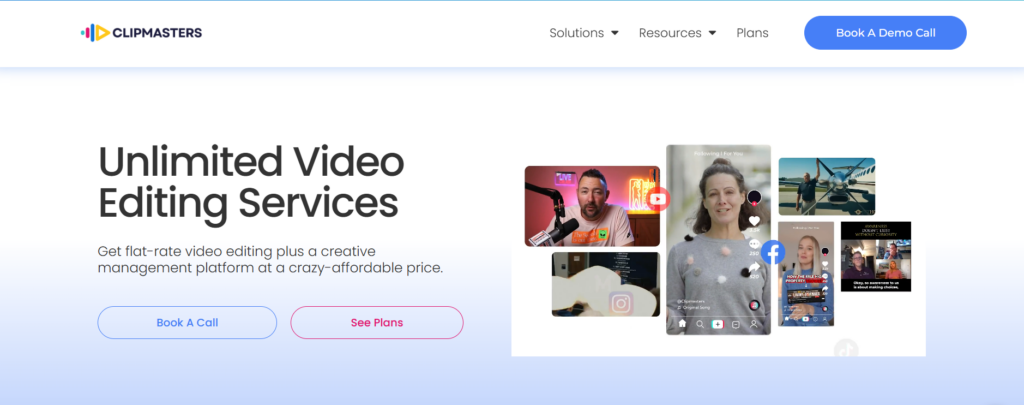
Clipmasters works with Samsung and Spotify, and their claimed stats are genuinely impressive,200M+ subscribers gained for clients, 2B+ views generated, and $300M+ in sales driven through video content.
Their model is truly unlimited with unlimited requests and unlimited revisions, plus dedicated video editors and account managers who understand your ongoing needs.
The Grow plan is $997/month while Scale is $1,897/month for higher volume, and both focus on performance-optimized editing that’s designed to drive measurable results.
They handle video podcasts, product demos, social clips, event highlights, and pretty much anything video-related, making them a versatile option for varied content needs.
Pros
- Truly unlimited requests without worrying about overage
- Performance-focused optimization approach
- 24-hour turnaround possible for straightforward edits
- Major brand clients demonstrate capability
Cons
- One video at a time limits parallel processing
- Complex edits naturally take longer than simple ones
Best For: Brands and creators wanting unlimited editing capacity with focus on engagement metrics and measurable performance outcomes.
11. Vimerse
- Category: Creator-focused editing
- Best for: YouTubers and TikTokers
- Ease of use: Beginner-friendly
- Pricing: Starting at $13/hour
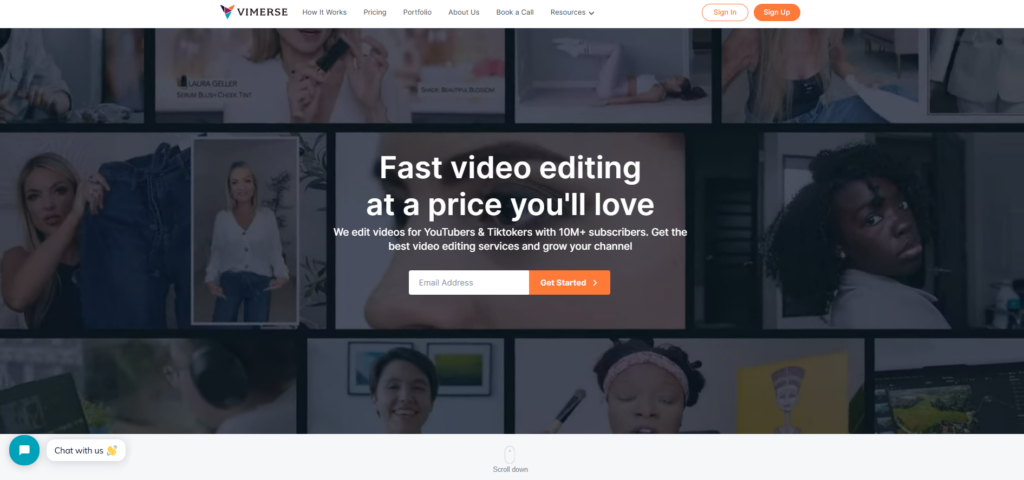
Vimerse works with creators who have 10M+ subscribers, but they also work with smaller channels just starting out, which shows they’re flexible enough to handle a pretty wide range of project scales and budgets.
What I like about them is the free trial option,you can actually test their work before committing any money, which is something not many services offer and helps reduce the risk of a bad fit.
At $13/hour starting rate, they’re one of the more affordable options out there, making them a good choice for creators who are testing the waters with professional editing for the first time.
Pros
- Free trial available to test before committing
- Works with both large and small creators
- Affordable hourly rates compared to competitors
Cons
- Less established than some longer-running competitors
Best For: Creators wanting to try professional editing with minimal commitment and risk before deciding on a long-term solution.
12. Dava Marketing
- Category: Full-service video marketing
- Best for: Brands needing strategic video support
- Ease of use: Intermediate
- Pricing: Custom quotes
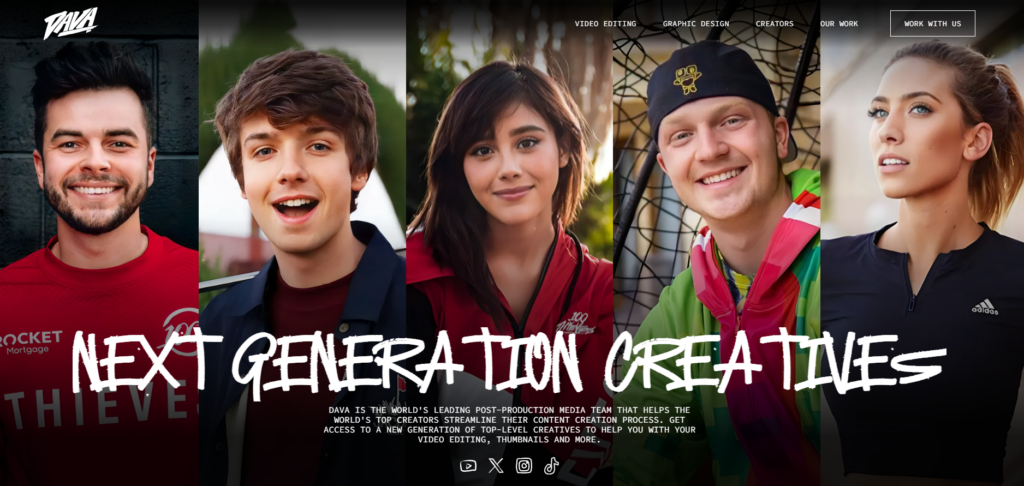
Dava Marketing goes well beyond basic editing,they do motion graphics, custom end screens, channel branding, and strategic consultation, treating video as part of a broader marketing strategy.
If you want someone to tell you what content to make rather than just edit what you give them, that’s their angle and their value proposition compared to pure editing services.
Volume discounts are available for regular clients, and you’ll need to get a custom quote based on your specific needs since they don’t have one-size-fits-all pricing.
Pros
- Strategic video consulting included with editing
- Full-service approach covers the entire video marketing stack
- Volume discounts available for ongoing relationships
Cons
- Requires custom quote to understand pricing
- May be overkill for simple editing needs
Best For: Brands wanting strategic video guidance alongside editing services from a team that thinks about content marketing holistically.
13. Motion Edits
- Category: Post-production studio
- Best for: Wedding films, VFX work
- Ease of use: Intermediate
- Pricing: Custom quotes
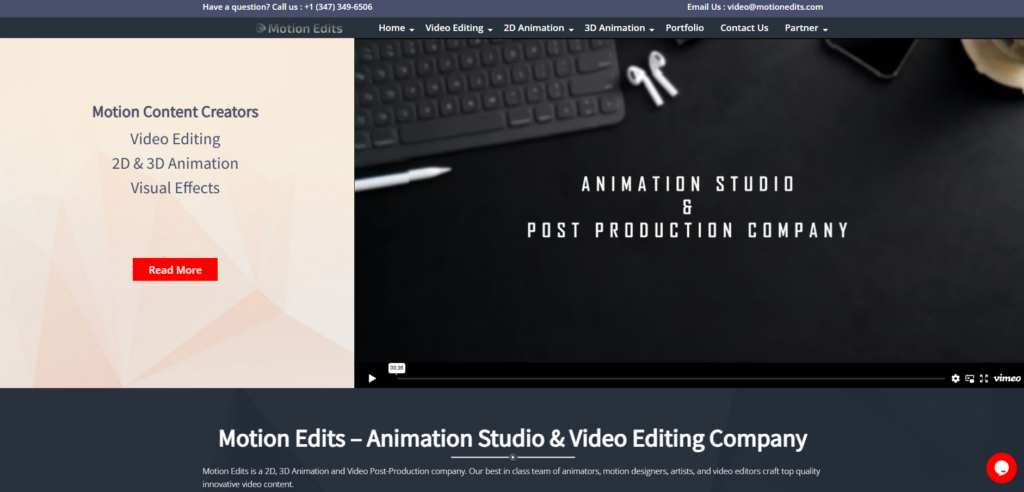
Motion Edits is a full post-production studio based in Ahmedabad, India, and they handle wedding films, YouTube content, VFX, and creator content across a range of professional needs.
Their team uses Premiere Pro, DaVinci Resolve, Final Cut Pro X, After Effects, and Blender, with dedicated specialists for each software so you get someone who really knows their tools.
They’re serious about security with signed NDAs, strict policies about media never leaving their facility, and robust data protection,which matters a lot for sensitive projects or big brands.
Pros
- Full post-production capabilities under one roof
- VFX and animation expertise for complex projects
- Strong security protocols for sensitive content
Cons
- Custom quotes only means no quick price comparison
- India-based team requires time zone planning
Best For: Filmmakers and wedding videographers needing comprehensive post-production including VFX from a team with strong security practices.
14. VideoZeus
- Category: YouTuber and course creator editing
- Best for: Educational content
- Ease of use: Beginner-friendly
- Pricing: $149/video (up to 10 min)
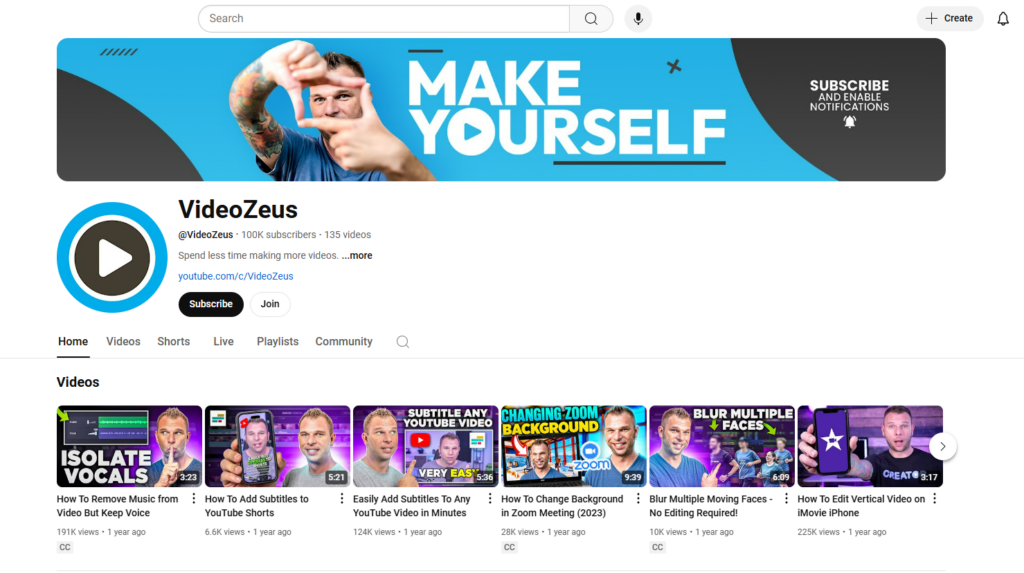
VideoZeus keeps their pricing refreshingly simple,$149 per video up to 10 minutes finished length, with no subscriptions, no complicated pricing tiers, and no hidden fees to worry about.
They focus specifically on YouTubers and online course creators, so if you’re making educational content, they understand the format and what makes instructional videos effective.
Package discounts are available if you have multiple videos to edit, making the per-video cost even more reasonable for larger projects.
Pros
- Simple, transparent pricing that’s easy to understand
- No subscription required,just pay per video
- Understands educational content format
Cons
- 10-minute maximum per video at base price limits longer content
Best For: Course creators and YouTubers wanting straightforward per-video pricing without the complexity of subscriptions or credits.
15. Rav.ai
- Category: AI-powered editing
- Best for: Social media marketers
- Ease of use: Beginner-friendly
- Pricing: $100/video single, $50/month for 2 videos
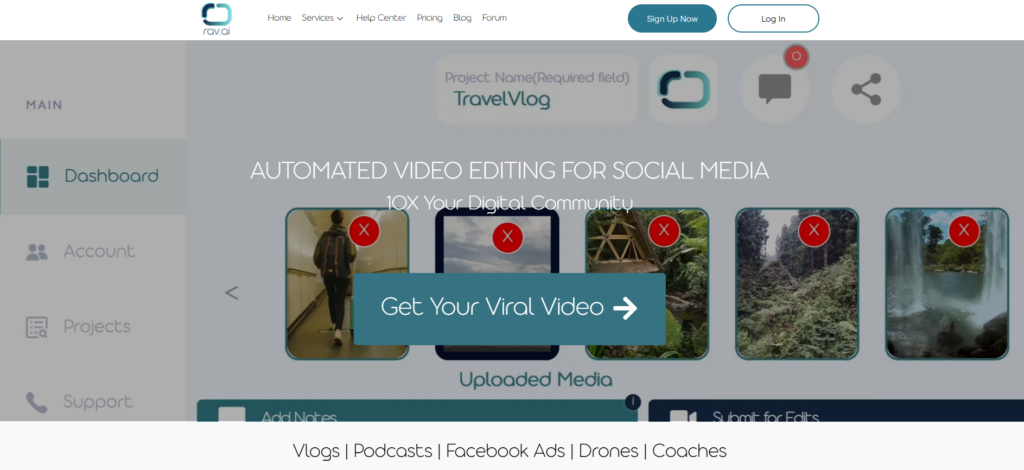
Rav.ai uses AI technology for fast video editing, with the tech analyzing your content and applying edits based on current trends automatically,which speeds things up considerably.
It’s genuinely budget-friendly at $100 per video or $50/month for two videos, making it one of the more accessible options for high-volume, simpler content needs.
The trade-off is that you get less creative customization than working with human editors,you’re essentially trusting AI decisions for much of the creative work, which may or may not match your vision.
Pros
- Very affordable compared to human-edited alternatives
- Fast turnaround thanks to automation
- Good for simple, high-volume content that doesn’t need custom creativity
Cons
- Less creative control over the final product
- AI-driven approach isn’t suitable for complex or nuanced projects
Best For: Social media marketers needing quick, budget-friendly edits where speed and cost matter more than custom creative direction.
16. Spivo
- Category: Travel and adventure editing
- Best for: Travel vloggers, action sports
- Ease of use: Beginner-friendly
- Pricing: Starting at $159/video
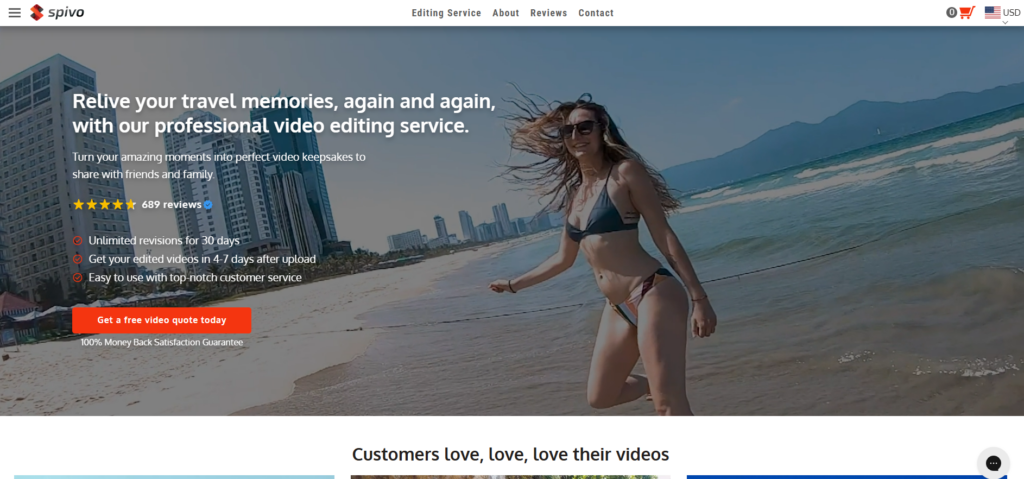
Spivo specializes in travel and adventure content with the tagline “Made by adventurers, for adventurers,” and they genuinely understand action camera footage and drone shots in a way generic editors often don’t.
Their process is simple: tell them your vision, upload your footage, receive your video in 7 days, and request unlimited revisions until you’re completely satisfied with the result.
Starting at $159 per video with bulk discounts up to 40% and a satisfaction guarantee included, they offer solid value for travel content creators.
Pros
- Travel and adventure specialists who understand the genre
- Unlimited revisions until you’re satisfied
- Bulk discounts available for larger projects
Cons
- 7-day turnaround is longer than some faster alternatives
- Niche focus may not suit all content types
Best For: Travel vloggers and adventure content creators who want editors that understand action footage and outdoor cinematography.
17. Increditors
- Category: Premium video agency
- Best for: Brands, agencies, production houses
- Ease of use: Intermediate
- Pricing: From $2,500/month
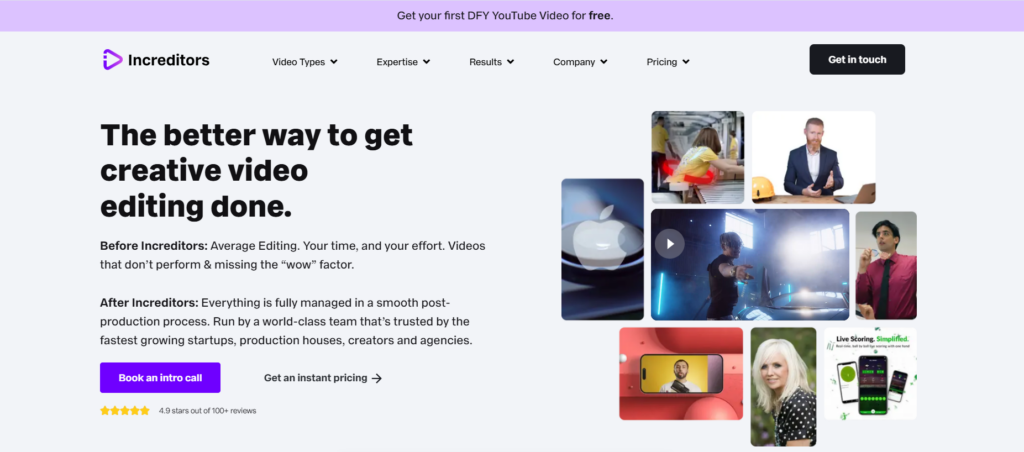
Increditors is definitely premium, with 1,700+ projects completed, 300M+ video views generated, and $50M+ in claimed client revenue,so they’re playing at a serious level with measurable business outcomes.
They handle video editing, color grading, 2D/3D animation, app promo videos, and YouTube editing,basically full post-production capabilities for clients who need comprehensive support.
Pricing starts at $2,500/month for creator retainers, with YouTube management starting at $5K/month,it’s not cheap, but the results and track record speak for themselves.
Pros
- Impressive track record with measurable business outcomes
- Full animation capabilities for complex projects
- Enterprise-grade quality for serious brands
Cons
- Premium pricing puts them out of reach for smaller creators
- May be overkill for basic editing needs
Best For: Brands and agencies needing premium post-production with proven ROI and the budget to invest in top-tier results.
18. Flatworld Solutions
- Category: Budget editing outsourcing
- Best for: High-volume basic editing
- Ease of use: Intermediate
- Pricing: Starting at $12/hour
Flatworld Solutions is a larger outsourcing organization based in India, designed for cost-efficient editing at scale rather than boutique creative services.
At $12/hour starting rate with volume discounts, they’re among the most affordable options available,good for basic to intermediate editing when you have high volume and cost matters most.
It’s not a boutique experience with personalized attention, but the infrastructure is built to handle scale effectively when that’s what you need.
Pros
- Very affordable hourly rates
- Scalable capacity for high-volume needs
- Volume discounts improve economics further
Cons
- Less personalized service than smaller agencies
- Basic editing focus limits complex creative work
Best For: Budget-conscious businesses needing basic editing at scale where cost efficiency is the primary concern.
19. CutPro Media
- Category: Fast-turnaround editing
- Best for: Wedding videographers, real estate
- Ease of use: Beginner-friendly
- Pricing: $320/video standard, $200/video wedding
CutPro Media specializes in fast turnaround with flat-rate pricing, offering 24-hour capability for urgent projects when you need something delivered quickly.
They’ve developed specific expertise in wedding video editing and real estate content, understanding the particular requirements of these industries and what clients in those spaces expect.
At $320 per standard video and $200 for wedding videos, you get predictable costs that make it easy to quote clients and know exactly what you’re paying.
Pros
- Fast 24-hour turnaround available for urgent work
- Wedding and real estate expertise
- Flat-rate pricing for predictable costs
Cons
- Niche focus limits versatility for other content types
Best For: Wedding videographers and real estate professionals needing quick turnaround with predictable flat-rate pricing.
20. EditYeti
- Category: US-based premium editing
- Best for: Short-to-medium content
- Ease of use: Intermediate
- Pricing: $997/month (Basic), $1,997/month (Pro)
EditYeti uses exclusively US-based editors with 3+ years of experience, so if you prioritize domestic talent and aligned communication timing, that’s their main selling point.
Pricing is based on finished video length,Basic ($997/month) handles up to 2 minutes, Pro ($1,997/month) extends to 3 minutes, and Premium ($3,997/month) covers 5 minutes.
With 48-72 hour turnaround, they work well for shorter marketing videos and social content where quality matters more than rapid iteration.
Pros
- US-based editors for aligned working hours
- Experienced professionals with proven track records
- Clear length-based pricing structure
Cons
- Premium pricing compared to offshore alternatives
- Length restrictions per tier limit longer content
Best For: Businesses prioritizing US-based editing talent for short-form content who value aligned working hours and communication.
21. Irisbits
- Category: Video + graphic design combo
- Best for: Creators needing both services
- Ease of use: Beginner-friendly
- Pricing: $395/month
Irisbits combines video editing AND graphic design in one subscription for $395/month with unlimited requests (one task at a time), which is genuinely good value if you need both services.
Their Bristol, UK-based team handles YouTube videos, Reels, thumbnails, and social media graphics,all in one place with one subscription and one point of contact.
With 1-2 business day turnaround and premium stock assets included, they offer solid value for creators who need both video and design support without managing multiple vendors.
Pros
- Video + design combined in one affordable subscription
- Very affordable for what you get
- Fast 1-2 day turnaround
Cons
- One task at a time limits parallel processing
- 30-minute video maximum for editing
Best For: Content creators needing both video editing and graphic design affordably under one subscription.
22. Unlimited Video Editing
- Category: Dedicated editor service
- Best for: Regular content across formats
- Ease of use: Beginner-friendly
- Pricing: $250/video horizontal, $999/month subscription
Unlimited Video Editing provides dedicated editors and project managers, with a personal account manager ensuring responsive communication and consistent quality across projects.
Flexible pricing options include per-video ($250 horizontal, $100 vertical) or monthly subscriptions ($999 Premium, $1,799 Deluxe with thumbnails and SEO uploads included).
You can stack subscriptions for additional editors as you scale, which provides flexibility to grow your editing capacity alongside your content output.
Pros
- Flexible pricing options for different needs
- Dedicated editor model for consistency
- Scalable with stacked subscriptions as you grow
Cons
- Per-video pricing adds up quickly at higher volumes
Best For: Creators producing regular content who want dedicated editing support with flexibility to scale.
23. FixThePhoto
- Category: Footage-based editing
- Best for: Basic editing needs
- Ease of use: Beginner-friendly
- Pricing: $60 per 30 min footage, $80 minimum
FixThePhoto uses specialized editors for different video types, so your project goes to someone with relevant expertise in that particular style or format.
Their footage-based pricing is $60 per 30 minutes of footage with an $80 minimum order, and animations are $50 extra if needed,clear and predictable costs.
It’s a good option for basic to intermediate editing with transparent pricing that makes it easy to estimate costs before starting.
Pros
- Specialized editors matched to content type
- Transparent footage-based pricing
- Affordable for basic editing needs
Cons
- Basic editing focus limits complex creative work
- Animations cost extra on top of base price
Best For: Creators with basic editing needs wanting specialized attention at fair, predictable pricing.
How to Choose the Right Video Editing Service
Here’s how I’d think about this decision based on what I’ve learned from testing all these services and running my own:
If you post 1-4 videos monthly: Go with per-video pricing from services like Your Video Editor, Replayed, or Tasty Edits,there’s no point paying for subscriptions you won’t fully use.
If you post weekly or more: Subscriptions start making sense at higher volumes from services like Vidchops, Be Creatives, or Vidpros,the math works out better when you’re using the service consistently.
If you need multiple creative services: Consider Flocksy since one subscription covers video, graphics, and copy,simplifying vendor management significantly.
If you’re a large channel or agency: Look at Tasty Edits or EditCrew since they have the infrastructure and experience to handle serious volume and complex requirements.
Whatever you choose, make sure you understand the pricing fully before committing,hidden fees are everywhere in this industry, so always ask about revision limits, additional minute charges, and rush fees upfront.
Ready to Get Started?
Look, I obviously think Your Video Editor is the best option for most creators because we built it specifically to solve the problems that frustrated us about the alternatives.
But I’m not going to pretend we’re perfect for everyone,if you need unlimited editing at high volume, a subscription service might make more sense, and if you want a creator-founded boutique experience, Creatorly could be the right fit.
The most important thing is to stop spending 10-20 hours editing each video yourself, because that time should go toward creating content, engaging with your audience, or just not burning out from doing everything yourself.
If you want to try us, use code START50 for 50% off your first video with no subscription required,see if you like our work before committing to anything more.
Questions? Hit us up at hello@yourvideoeditor.com,we actually respond (unlike some of these other services, honestly).