I’ve tested over a dozen YouTube video editing services in the past 2 years, and while some delivered amazing results that genuinely impressed me, others wasted my time and money in ways I wish I could take back.
Here’s the truth most “best of” lists won’t tell you: editing services vary wildly in quality, and a $50 edit can sometimes beat a $500 one depending entirely on who’s actually doing the work behind the scenes.
This guide covers the 10 best YouTube video editing services I’ve personally researched,real pricing, honest opinions, and no fluff to wade through.
I run Your Video Editor, so yes, I have skin in the game, but I’m not going to trash every competitor because some of them are genuinely excellent and I’ll tell you exactly which ones.
Check our complete list of 24 video editing services if you want even more options.
Quick Overview: Best YouTube Video Editing Services
Best Overall: Your Video Editor – $50/video, no subscription, unlimited revisions, and perfect if you hate recurring fees eating into your budget every month.
Best for Large Channels: Tasty Edits – From $239/video, and they work with channels like Brandon Farris (6.7M subs) and The Human Anatomy Lab (7.4M subs).
Best Creator-Founded: Creatorly – $450-600/video, founded by YouTuber Katie Steckly, where every editor is a YouTuber themselves who actually understands the platform.
Best for High Volume: Vidpros – $1,000/month for a dedicated part-time editor with overnight turnaround that feels almost magical.
Best for Short-Form: BeCreatives or Vidchops – Both are specialists in YouTube Shorts, Reels, and TikTok who really understand vertical video.
Should You Hire a YouTube Video Editing Service?
Let me be real with you about something important.
If you’re spending 10-20 hours editing each video, something’s broken because that’s time you could spend filming, engaging with your audience, or just living your life instead of staring at a timeline.
Here’s when it makes sense to hire out:
- You’re posting inconsistently because editing takes forever
- Your editing skills limit your video quality
- You want to scale from monthly to weekly uploads
- You’re experiencing creator burnout
- Your time is worth more than the cost of editing
At Your Video Editor, we save creators 15+ hours per video on average, and that adds up incredibly fast when you’re trying to build a consistent upload schedule.
The ROI math usually works out in your favor,if $150 per video lets you post twice as often, the extra views typically cover the cost and then some, which you can see in our breakdown of YouTube earnings at 100K subscribers for context.
How to Choose the Right Service
Before we get into specific services, here’s how I evaluate them:
Per-Video vs. Subscription
Per-video pricing works best if you post 1-4 videos monthly because there’s no point paying for months you don’t use when your upload schedule is inconsistent.
Subscriptions make more sense at 4+ videos monthly since the per-video cost drops significantly and you get the benefit of a dedicated editor learning your style.
Turnaround Time
A 24-48 hour turnaround is great for trending topics and tight deadlines when you need to capitalize on what’s happening right now.
2-3 days is standard for most YouTube content and gives editors enough time to do quality work without rushing.
5-7 days is only acceptable for evergreen content with flexible schedules where timing doesn’t really matter.
Style Match
Not every service handles every niche, so look for portfolio examples in your content category before committing to anything.
If you run a faceless channel, make sure they’ve done that style before, and the same goes for vlogs, tutorials, or commentary,you want proof they can handle your specific format.
The 10 Best YouTube Video Editing Services
1. Your Video Editor

- Category: Per-video editing
- Best for: Creators who hate subscriptions
- Pricing: From $50/video
- Turnaround: 24-48h (short-form), 3-5 days (long-form)
Okay, I’m biased since I built this company, but let me explain why that actually matters for you.
I was frustrated with the subscription model where you pay monthly whether you need editing or not, your credits expire if you don’t use them, and there are hidden fees everywhere,it’s a bad deal for most creators who don’t have a perfectly consistent upload schedule.
So we did things differently: pay per video, credits never expire, unlimited revisions until you’re happy, and no contracts tying you down.
Advanced editing starts at $50 (0-5 min video), Premium is $75, Elite (top 1% editors) is $100, and short-form is $40 each or $38 in bulk if you’re doing a lot of Shorts.
We include licensed music, stock footage, and sound effects at no extra charge, which is something most services will nickel and dime you for as add-ons.
Our dedicated editor plan runs $1,399-1,599/month if you need someone working with you full-time.
Pros
- No subscription required
- Credits never expire
- Unlimited revisions included
- Premium assets included
- Same editing team for consistency
Cons
- Can get fully booked during peak times
- No wedding or event videos
Best For: YouTubers who want professional editing without subscription commitments eating into their budget every month.
2. Tasty Edits
- Category: Premium YouTube editing
- Best for: Established channels, agencies
- Pricing: From $239/video
- Turnaround: 48 hours first draft
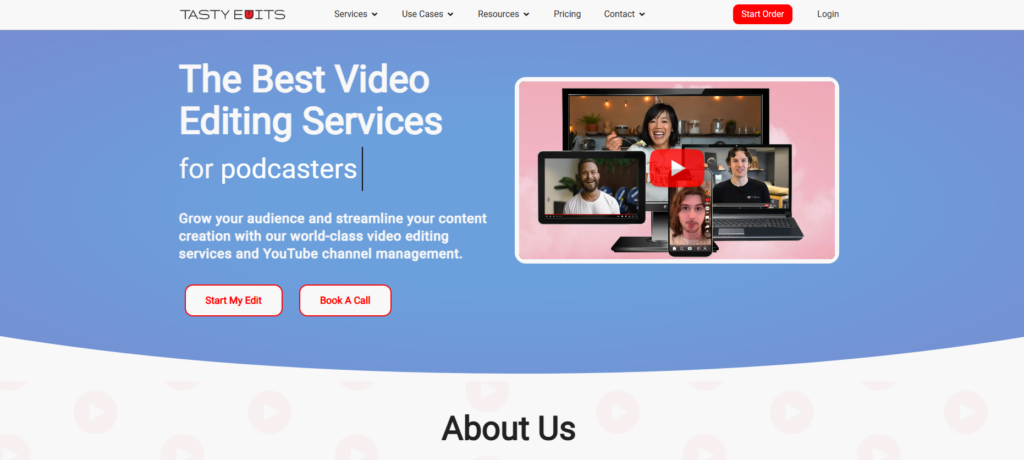
Tasty Edits works with some massive channels including Human Anatomy Lab (7.4M subs), Brandon Farris (6.7M subs), and Film Cooper (1.2M subs), so they clearly know what they’re doing at scale.
They built their own platform called VOMA that handles everything from order submission to delivery, and it’s actually pretty slick compared to the cobbled-together systems most services use.
Long-form starts at $239/video with bulk discounts up to 16% off, and vertical videos are around $75 each if you’re doing short-form content.
They also offer channel management starting at $770/month covering SEO, analytics, community management,the whole works if you want to offload more than just editing.
Pros
- Proven with major creators
- Custom VOMA platform
- 48-hour first draft guarantee
- Channel management available
Cons
- Higher pricing than budget options
- No Sunday availability
Best For: Large channels needing premium, proven services with a track record of working with major creators.
3. Creatorly
- Category: Creator-founded editing
- Best for: YouTubers wanting creator-to-creator experience
- Pricing: $450-600/video
- Turnaround: Varies by project
Katie Steckly (a YouTuber herself) founded Creatorly, and every editor on their team is also a YouTuber, which means they actually understand the platform from a creator’s perspective rather than just a technical one.
They match you with an editor based on your style and vibe, and that editor learns your preferences to maintain consistency across all your videos over time.
Signature Cut is $450/video while Director’s Cut is $600/video with extra creative editing, and both include thumbnail, title, and upload so you’re getting a complete package.
It’s premium pricing for sure, but you’re paying for creator-specific expertise that’s hard to find elsewhere.
Pros
- Founded by a YouTuber
- Editors are YouTubers themselves
- Thumbnail and upload included
- Dedicated editor learns your style
Cons
- Higher per-video cost
- Smaller team, limited capacity
Best For: Creators who want a boutique, creator-to-creator experience with someone who truly gets what you’re trying to build.
4. Vidpros
- Category: Dedicated editor service
- Best for: High-volume creators
- Pricing: $1,000/month part-time, $4,000/month full-time
- Turnaround: Overnight
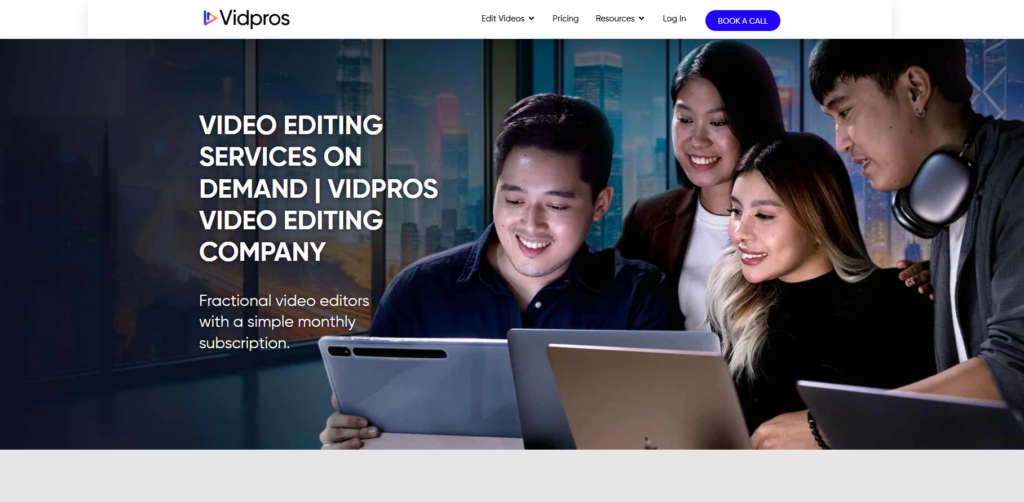
Vidpros limits each editor to just 4 clients, which is actually smart because it means your editor has time to do quality work instead of rushing through a pile of projects.
Their overnight turnaround is the real selling point,submit footage by end of day, get your edit by morning since their Philippines team works while you sleep.
Part-time is $1,000/month for 2 hours daily, full-time is $4,000/month for 8 hours daily, and both include stock assets and AI captions.
They have a $100 trial option that gets you 10 short-form videos OR 1 long-form video, which is a good way to test them out before committing to anything bigger.
Pros
- Low 4:1 client-to-editor ratio
- Overnight turnaround
- Frame.io for precise feedback
- No long-term contracts
Cons
- No custom animation
- $1,000+ monthly minimum
Best For: Creators needing consistent daily editing capacity with fast turnaround times.
5. Replayed
- Category: Editor matching platform
- Best for: Commentary, documentary-style
- Pricing: $25-39/hour or $279+ flat rate
- Turnaround: Varies
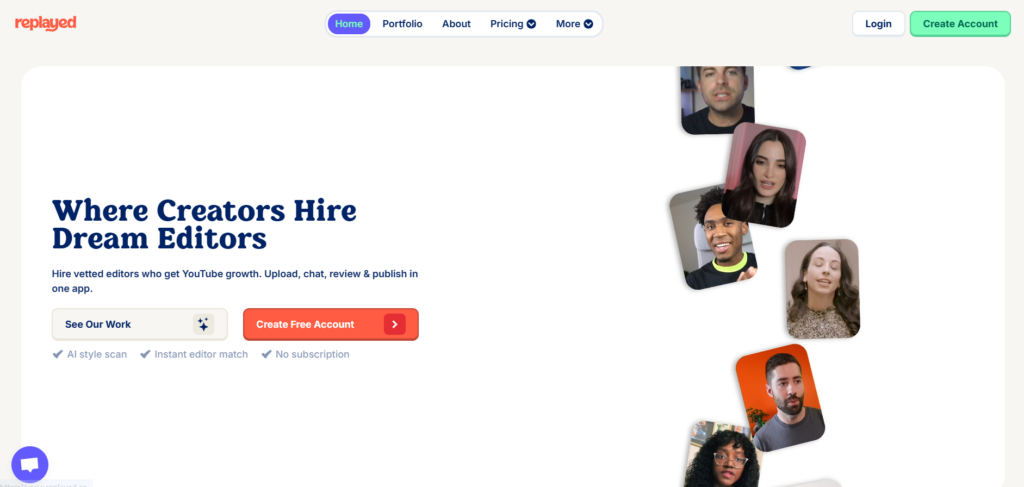
Replayed matches you with vetted editors based on your channel style,just scan your channel and get matched instantly without going through a lengthy consultation process.
No account managers getting in the way means you talk directly to your editor, and that direct line of communication leads to faster iterations and fewer miscommunications.
Their client list is legitimately impressive: Elvis The Alien (multiple channels), Adi Fishman (grew from 170K to 2M), Ordinary Things, and Trap Lore Ross among others.
Junior editors are $25/hour while seniors are $39/hour, and their flat rate packages are $279 for 15-50 min footage or $559 for 50+ min if you prefer predictable pricing.
Pros
- Editor matching based on your style
- Direct communication, no middlemen
- Strong creator testimonials
- Flexible pricing options
Cons
- No transparent public pricing
- Custom quotes required
Best For: Creators wanting personalized editor matching with direct communication. Understanding the YouTube Partner Program requirements helps you pick the right service for your growth stage.
6. Vidchops
- Category: Credit-based subscription
- Best for: Regular YouTube uploaders
- Pricing: $495/month (Weekly), $995/month (Pro)
- Turnaround: 1-2 days
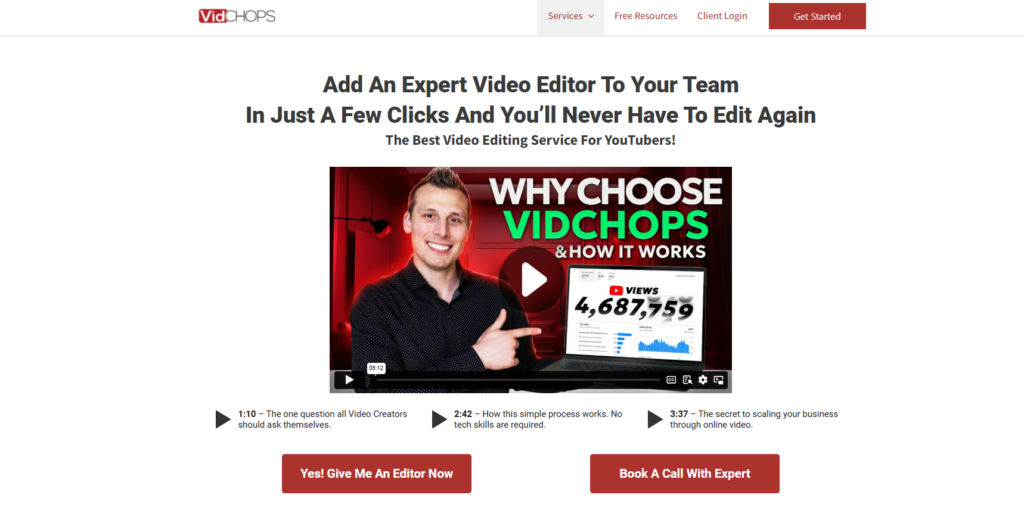
Vidchops was founded by a successful YouTuber who understands retention, and their editing is specifically optimized to keep viewers watching longer through strategic cuts and pacing.
The credit system is flexible: 1 credit equals 1 long-form OR 4 short-form videos, with the Weekly plan giving you 4 credits monthly and Pro giving you 8.
They’re trusted by Think Media, Brian G. Johnson, and 5,000+ other creators who take their YouTube presence seriously.
Their free repurposing deal is solid value,every long-form edit includes 2 free short-form clips that you can post to Shorts, Reels, or TikTok.
The downside is that credits don’t roll over, so you either use them or lose them, and subtitles also cost $95/month extra on long-form which can add up.
Pros
- Retention-focused editing
- Flexible credit system
- Free short-form repurposing
- 14-day money-back guarantee
Cons
- Credits don’t roll over
- Subtitles cost extra
Best For: YouTubers focused on maximizing retention and watch time who upload consistently enough to use their credits.
7. Video Husky
- Category: Flexible video editing
- Best for: Talking head, educational content
- Pricing: Credit bundles or $849+/month
- Turnaround: 1-3 days
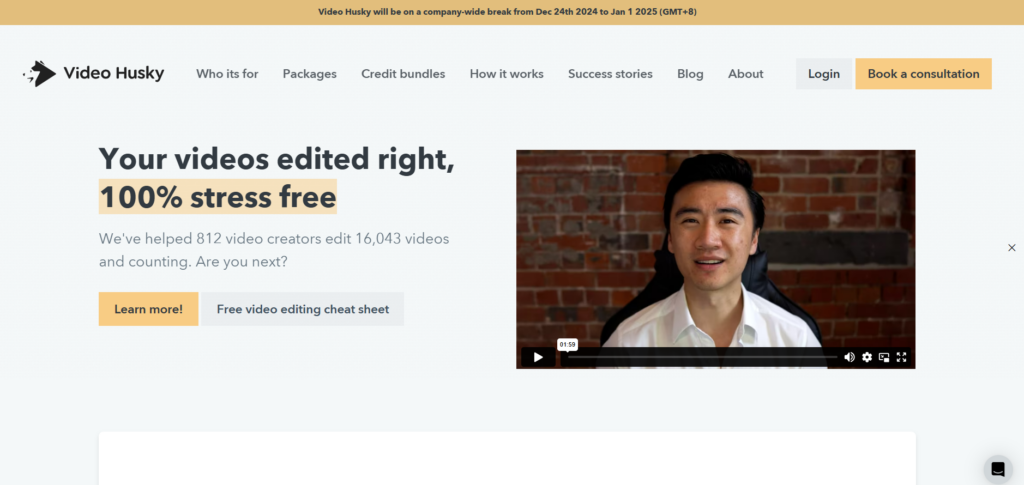
Video Husky pioneered the “unlimited video editing” model, but now they also offer credit bundles for creators who don’t want subscriptions and prefer more flexible options.
You get both an account manager AND editor, meaning someone oversees your projects and handles communication while your editor focuses entirely on creative work.
The Eskimo plan is $849/month, Siberian is $1,590/month, and St. Bernard is $2,749/month for agencies with higher volume needs.
They’ve edited 16,000+ videos for 800+ creators, which is a lot of experience and means they’ve probably seen whatever challenge your content throws at them.
Pros
- Credit bundles available
- Account manager + editor combo
- Slack integration
- Video proofing tool
Cons
- One video at a time per subscription
- Turnaround can vary
Best For: Creators making consistent talking head or educational content who want the support of an account manager.
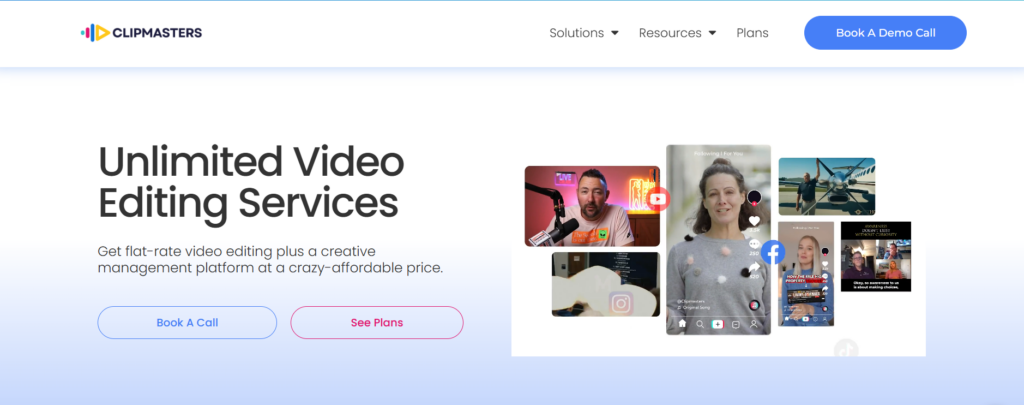
8. Clipmasters
- Category: Unlimited subscription
- Best for: Agencies, high-frequency publishers
- Pricing: $997/month (Grow), $1,897/month (Scale)
- Turnaround: 24 hours possible
Clipmasters offers truly unlimited requests AND unlimited revisions, which is rare in this industry where most “unlimited” services have some kind of catch.
They’ve worked with Samsung and Spotify, and their claimed numbers are impressive: 200M+ subscribers gained for clients and $300M+ in sales driven through video content.
24-hour turnaround is possible for straightforward edits, though complex stuff obviously takes longer depending on what you need.
The Grow plan is $997/month while Scale is $1,897/month for higher volume needs and faster turnaround priorities.
Pros
- Truly unlimited requests
- Unlimited revisions
- 24-hour turnaround possible
- Major brand clients
Cons
- One video at a time
- $997+ monthly commitment
Best For: Agencies needing unlimited editing output with the budget to support a serious monthly commitment.
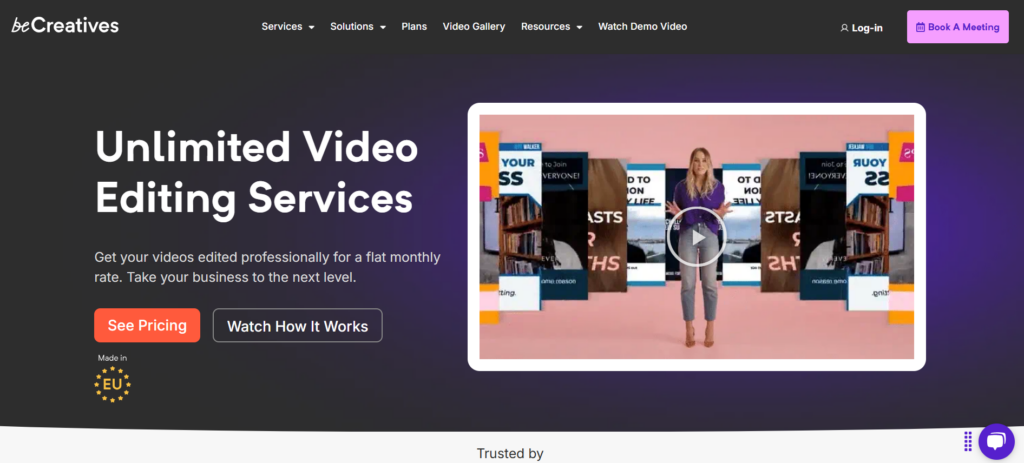
9. BeCreatives
- Category: Short-form specialists
- Best for: Shorts, Reels, TikTok
- Pricing: $899/month (Scale), $1,999/month (Pro)
- Turnaround: 1-2 days, same-day available
BeCreatives focuses specifically on vertical video,YouTube Shorts, Instagram Reels, TikTok,and they really understand the short-form game in ways that generalist services often don’t.
Based in Lithuania with teams in Jackson, Wyoming and Turkey, they’ve edited 50,000+ videos and know what performs on each platform.
Scale is $899/month while Pro is $1,999/month with a same-day delivery option for when you’re trying to capitalize on trends before they fade.
They helped Alex Tubio grow from 100K to 800K views while posting 3-4 videos daily, and results like that speak for themselves when you’re evaluating short-form specialists.
Pros
- Short-form video experts
- Same-day delivery option
- 14-day money-back guarantee
- Trend-aware editing
Cons
- 60-minute max video length
- One task at a time
Best For: Creators focused on Shorts, Reels, and TikTok who want specialists rather than generalists.
10. Visugu
- Category: Flexible per-video
- Best for: Occasional edits
- Pricing: $249/video or $999/month unlimited
- Turnaround: Up to 5 days
Visugu offers straightforward per-video pricing at $249 per video with no length restrictions, which makes budgeting simple and predictable.
They also have monthly options: $699/month for 4 videos or $999/month unlimited if you need more consistent output.
Turnaround is slower at up to 5 days, weekend fees cost extra, and you’re limited to basic effects,this isn’t a premium service trying to compete on quality.
It’s a good fit for creators who need occasional edits with flexible scheduling and don’t have tight deadlines to worry about.
Pros
- No video length limits
- Flexible pricing options
- Simple process
Cons
- 5-day turnaround (slower)
- Weekend fees extra
- Basic effects only
Best For: Creators needing occasional edits without time pressure who prioritize simplicity over speed.
How Much Does YouTube Video Editing Cost?
Here’s the real breakdown of what you can expect to pay:
Budget tier ($50-100/video): Basic cuts with minimal graphics, which works fine for simple talking head content that doesn’t need a lot of polish.
Standard tier ($100-250/video): Motion graphics, color grading, and b-roll integration that works well for most YouTubers trying to level up their production value.
Premium tier ($250-600/video): Advanced effects, storytelling techniques, and cinematography-level editing for serious creators who want their content to stand out.
Subscription tier ($400-4,000/month): Makes sense at 4+ videos monthly since you get dedicated editors who learn your style and can work faster over time.
Most services charge extra beyond 5-10 minutes final length, rush fees are common across the board, so always ask about the full cost before committing to anything.
Final Thoughts
I obviously think Your Video Editor is the best choice for most creators since we built it specifically because we were frustrated with the alternatives out there.
But the best service for YOU depends on your specific situation,your volume, your budget, your turnaround needs, and your content style all factor into which option makes the most sense.
The worst thing you can do is keep spending 10-20 hours editing each video yourself because that’s time you’ll never get back and it’s probably not the highest value use of your creative energy.
Try us with code START50 for 50% off your first video,no subscription required, just see if you like our work before committing to anything else.
Questions? Email hello@yourvideoeditor.com and we actually respond quickly (unlike some services I could name but won’t).
Last Updated: January 2026