Editing takes more time than filming. Most YouTubers discover this the hard way, spending hours cutting footage, adjusting audio, and fine-tuning transitions while their content calendar falls behind. I’ve talked to dozens of creators who hit this wall, and the ones who scale successfully almost always outsource their editing eventually.
Here’s the reality: your time is better spent planning content, engaging with your audience, and improving on camera than wrestling with timeline edits. Professional editors can often do in two hours what takes you six, and they’ll probably do it better. The question isn’t whether to outsource, but which service actually delivers.
I’ve tested multiple YouTube editing agencies over the past year with real projects. Here are the 5 best options for outsourcing your YouTube video editing in 2026, along with what each service actually excels at. If you’re also looking at other platforms, check out our guide to video editing services overall.
Why Outsource YouTube Video Editing?
Before diving into the agencies, let me address the common objection: “I should learn to edit myself.”
Sure, basic editing skills are valuable. But there’s a difference between knowing how to edit and spending your limited hours doing it. Most successful YouTubers eventually realize their time generates more value creating content than cutting it. The math usually works out once you’re monetized or using YouTube for business purposes.
Outsourcing also brings expertise you might lack. Good YouTube editors understand retention patterns, know where to place hooks, and can add polish that keeps viewers watching. When you’re dealing with content creator burnout, having someone else handle the editing grind makes sustainable content production possible.
The key is finding an editor or agency that understands YouTube specifically. Generic video editors often miss platform-specific nuances that affect performance.
What to Look for in a YouTube Editing Agency
Not every video editing service understands YouTube. Here’s what actually matters:
YouTube-specific expertise is essential. You want editors who understand retention graphs, know how to create effective hooks, and can pace content to keep viewers watching. Someone who edits wedding videos or corporate content won’t automatically understand what works on YouTube.
Turnaround time matters for consistency. If you post weekly, you need edits back fast enough to maintain your schedule. Agencies that take a week per video make consistent posting difficult.
Communication quality predicts project success. The best agencies have systems for feedback that don’t require endless email threads. Clear revision processes and direct communication with editors make the relationship work long-term.
Pricing structure should match your workflow. Some creators need per-video pricing for flexibility. Others benefit from monthly subscriptions if they post consistently. Choose a model that fits how you actually create.
Top 5 YouTube Video Editing Agencies in 2026
Here’s my breakdown after testing these services with real YouTube projects:
| Agency | Starting Price | Turnaround | Best For |
|---|---|---|---|
| Your Video Editor | $50/video | 3-5 days | Regular YouTube creators |
| Tasty Edits | $239/video | 48-72 hours | Growing channels |
| Video Husky | $549/month | 1-3 days | Talking head content |
| BeCreatives | $899/month | 1-2 days | Short-form focused |
| Dava Marketing | $1,995/month | 48-72 hours | Premium full-service |
1. Your Video Editor

- Category: Full-service YouTube editing
- Best for: Regular YouTube content creators
- Ease of use: Beginner-friendly
- Pricing: Starting at $50/video
After testing multiple services with long-form YouTube content, Your Video Editor consistently delivered what matters for the platform: retention-focused editing, clean audio, and professional polish without overproduction. When I submitted a 45-minute tutorial, they structured the pacing to maintain engagement throughout and added pattern interrupts at strategic points.
The 3-5 day turnaround for long-form content is reasonable for most posting schedules. For creators posting weekly, you can maintain a comfortable buffer. They also handle short-form content with 24-48 hour turnaround if you’re repurposing content for Shorts.
Pricing is tiered based on complexity: $50 for Advanced editing, $75 for Premium (which includes more sophisticated effects and graphics), and $100 for Elite where you work with their top editors. No subscription required, credits never expire, and unlimited revisions are included until you’re satisfied.
What sets them apart is the dedicated editor option. Having the same person learn your style creates consistency across videos that viewers notice. They also understand content creator workflows and can adapt to how you prefer to give feedback.
Pros
- Competitive pricing starting at $50/video
- No subscription required, pay per video
- Unlimited revisions included
- Dedicated editor option for consistency
- Credits never expire
- YouTube-specific editing expertise
Cons
- Can be fully booked during peak periods
- Premium features require higher tier packages
Best For: YouTube creators posting regularly who want professional editing without subscription lock-in.
2. Tasty Edits
- Category: Professional YouTube editing
- Best for: Growing channels needing polish
- Ease of use: Intermediate
- Pricing: $239/video
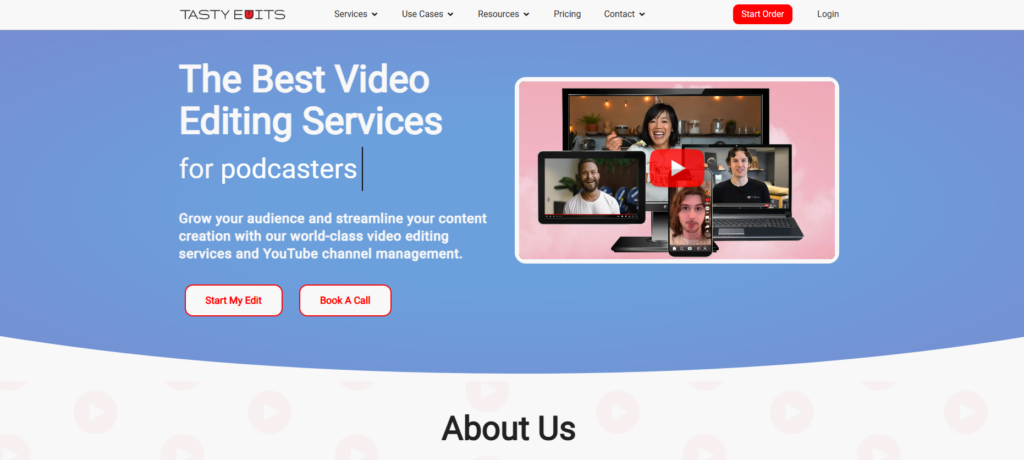
Tasty Edits focuses on creating highly engaging YouTube content with their proprietary VOMA platform for project management. At $239 per video for horizontal long-form content, they’re significantly pricier than alternatives, but they deliver polished results with a structured process.
Their editors are trained in YouTube best practices and use data-driven approaches to editing decisions. They include audience retention analysis with their work and place hooks and pattern interrupts strategically based on what’s working in your niche. Package deals can bring per-video costs down up to 20%.
The 48-72 hour turnaround is fast for thorough editing work. They also offer dedicated thumbnail designers who study competitor thumbnails in your niche, though thumbnails cost $37 extra per video.
Pros
- Strong YouTube-specific expertise
- Data-driven editing decisions
- Professional project management platform
- Package discounts available
Cons
- Higher per-video pricing
- Thumbnails cost extra
- Limited availability for new clients
Best For: Growing channels with budget for premium editing who want data-backed decisions.
3. Video Husky
- Category: Subscription YouTube editing
- Best for: Talking head and educational content
- Ease of use: Intermediate
- Pricing: $549-$1,590/month
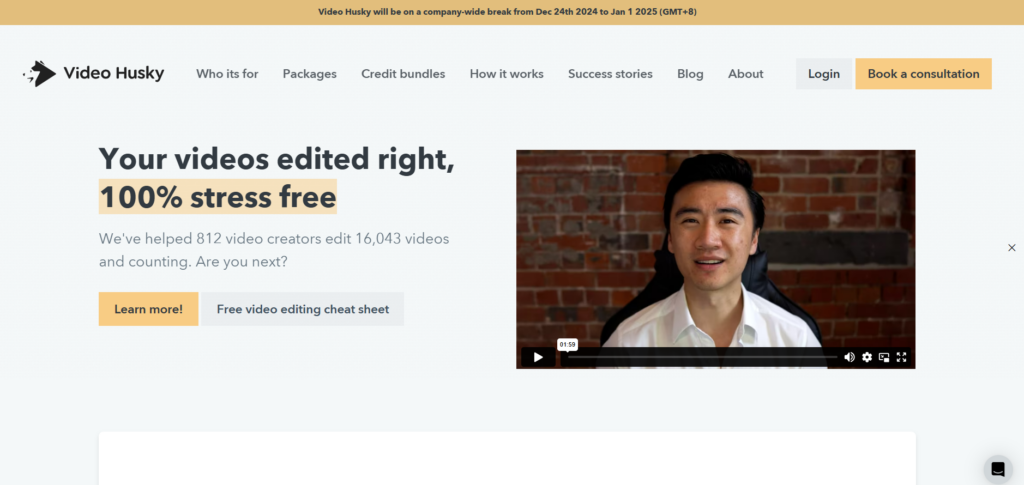
Video Husky specializes in clean, professional edits for talking-head videos and tutorials. Their editing style emphasizes clarity and smooth pacing, making them particularly good for educational and informational content. They understand how to make long-form content digestible and add supporting b-roll and graphics to illustrate key points.
Plans start at $549/month for Basic, with Pro at $749 and Premium at $1,590. The subscription model works if you have consistent output, but the math doesn’t favor creators who post irregularly. They work one video at a time and only operate weekdays, which can slow things down for multi-video weeks.
The 1-3 day turnaround is solid, and they include cloud storage for your project files. For creators focused on educational content where polish matters more than trendy effects, Video Husky delivers reliable results.
Pros
- Strong with talking head content
- Consistent professional quality
- Cloud storage included
- Good for educational channels
Cons
- Monthly subscription required
- One video at a time processing
- Weekdays only, no weekend support
- Basic editing style, limited effects
Best For: Educational creators who post consistently and want clean, professional edits.
4. BeCreatives
- Category: Unlimited video editing subscription
- Best for: Short-form and multi-platform content
- Ease of use: Intermediate
- Pricing: $899-$1,999/month
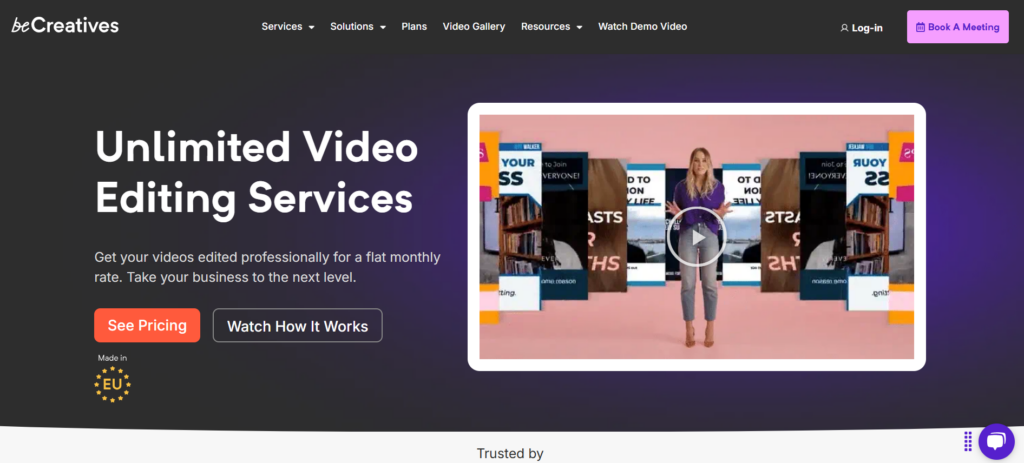
BeCreatives excels at repurposing long-form YouTube content into Shorts and social media clips. Their editing team understands how to create content that performs across multiple platforms, making them valuable for creators who want to maximize each video’s reach.
Their Scale plan at $899/month offers unlimited editing with one dedicated editor. The Pro plan at $1,999/month adds faster turnaround and real-time communication. The unlimited model makes sense if you’re producing high volume, but occasional posters won’t extract enough value.
The 1-2 business day turnaround is fast, and they bring a modern editing style that works well for younger audiences. They include access to premium stock footage and music, which saves time on asset hunting.
Pros
- Unlimited editing for flat monthly fee
- Strong at content repurposing
- Fast 1-2 day turnaround
- Modern editing style
Cons
- Monthly subscription required
- Expensive for lower volume creators
- Less suited for traditional long-form
Best For: Creators who want to repurpose long-form content into Shorts and social clips at scale.
5. Dava Marketing
- Category: Premium editing with marketing support
- Best for: Established channels wanting full service
- Ease of use: Intermediate
- Pricing: $1,995-$2,795/month
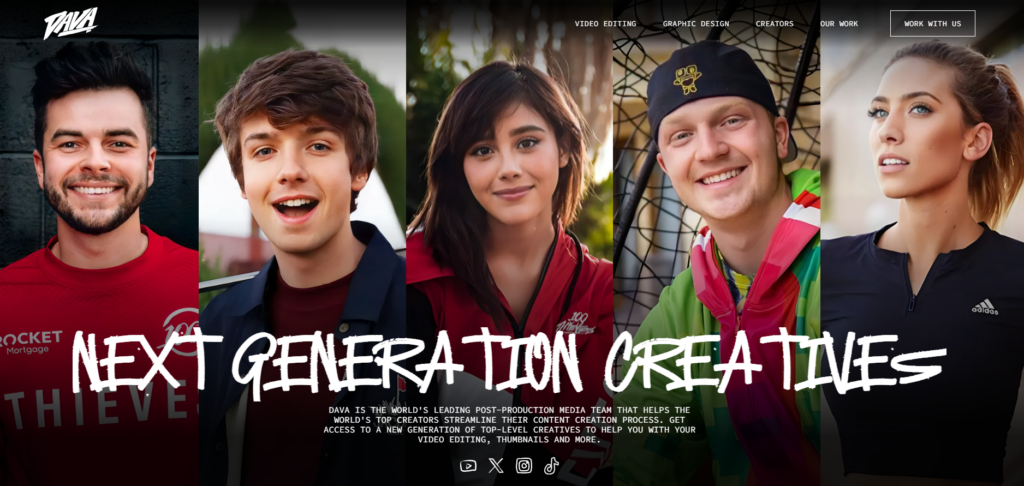
Dava Marketing combines YouTube editing with strategic marketing insights. At $1,995/month for 4 videos or $2,795/month for 8, they’re the most expensive option on this list, but they include analytics, performance optimization suggestions, and channel strategy guidance.
Their editing team creates content optimized for YouTube’s algorithm, with detailed performance reports after each video. They focus on engagement and subscriber growth rather than just technical editing quality. For established channels where analytics-driven decisions matter, this approach adds value beyond basic editing.
The 48-72 hour turnaround is reasonable given the strategy layer they add. Custom motion graphics and branded end screens are included, which saves on additional design costs.
Pros
- Marketing strategy included
- Performance analytics and optimization
- Custom branded graphics
- Comprehensive service package
Cons
- Premium pricing limits accessibility
- Complex onboarding process
- Less flexible packages
- Overkill for smaller channels
Best For: Established channels with budget for premium full-service editing and marketing support.
Making Your Choice
Your ideal agency depends on your posting frequency, budget, and content type. For most YouTube creators, Your Video Editor offers the best balance of quality, price, and flexibility. The per-video pricing works regardless of your schedule, and the YouTube-specific expertise shows in the results.
If you have budget for premium services and want strategic guidance alongside editing, Tasty Edits or Dava Marketing provide additional value. For educational creators with consistent schedules, Video Husky’s systematic approach delivers reliable results. And for creators focused on multi-platform content at scale, BeCreatives’ repurposing expertise maximizes each video’s reach.
The key is matching the service to how you actually work. When you hire a video editor, think about your posting rhythm, budget constraints, and what level of creative input you want from your editing team.
Ready to Outsource Your YouTube Editing?
At Your Video Editor, we specialize in YouTube content and understand what makes videos perform on the platform. Our editors know how to create hooks that keep viewers watching, structure content for maximum retention, and deliver the professional polish your channel needs.
Whether you’re posting weekly long-form videos or creating daily Shorts, we’ll handle the editing so you can focus on what matters most: creating great content and growing your audience. No subscriptions, credits never expire, and unlimited revisions until you’re completely satisfied.
Try us out with your next video and get 50% off your first edit with code START50. Questions? Reach out at hello@yourvideoeditor.com.