GoPro footage is a different beast entirely. The shaky action shots, extreme lighting conditions, and underwater sequences make editing these videos way more challenging than your typical talking-head content. I’ve spent months testing various video editing services with actual GoPro footage from mountain biking, scuba diving, and travel vlogs to find which ones actually know what they’re doing.
Here’s the thing most people don’t realize: not every video editing service can handle GoPro footage properly. You need editors who understand stabilization, know how to fix fish-eye distortion, and can color correct underwater shots that look washed out and blue. General-purpose editors often struggle with the unique challenges that action camera footage presents.
After testing these services with real projects, I’ve narrowed it down to the 5 best options for GoPro video editing. I’ll break down the pricing, turnaround times, and what each service actually excels at so you can pick the right one for your needs.
What Makes GoPro Video Editing Different?
Before we get into the services, let me quickly explain why GoPro footage needs specialized attention. If you’ve ever tried editing your own action camera videos, you probably know the pain.
First, there’s stabilization. GoPro videos are shot during activities like skiing, surfing, or hiking where the camera moves constantly. Even with GoPro’s built-in stabilization, you often need additional post-production smoothing to make footage watchable. Second, color correction becomes tricky because GoPro cameras capture in wide color gamuts that can look oversaturated or weirdly tinted without proper adjustment. And if you’re shooting underwater or in mixed lighting conditions, fixing those colors requires real expertise.
Then there’s the fish-eye distortion from wide-angle lenses, the need to sync multiple camera angles if you’re using several GoPros, and audio that’s usually terrible because action cameras aren’t exactly known for their microphones. A good GoPro editing service handles all of this without you having to explain it.
Top 5 GoPro Video Editing Services in 2026
Here’s my breakdown of the best services after testing them with actual adventure footage:
| Service | Starting Price | Turnaround | Best For |
|---|---|---|---|
| Your Video Editor | $50/video | 24-48 hours | Creators who need fast, quality edits |
| Spivo | $119/video | 7 days | Travel and adventure content |
| Tasty Edits | $239/video | 24-48 hours | Professional business content |
| Flatworld Solutions | $12/hour | 24-48 hours | Budget-conscious creators |
| Fiverr Freelancers | $50+ | Varies | One-off projects |
1. Your Video Editor

- Category: Full-service video editing
- Best for: Creators needing consistent quality and fast turnaround
- Ease of use: Beginner-friendly
- Pricing: Starting at $50/video
After testing multiple services with GoPro footage from a recent hiking trip, Your Video Editor stood out for actually understanding what makes action camera content work. When I submitted shaky mountain trail footage that would make most people motion sick, they stabilized it perfectly while keeping the natural movement that makes the content feel authentic. That’s harder than it sounds.
What I appreciate most is the turnaround time. With a 24-48 hour delivery for short-form content and 3-5 days for longer edits, you’re not waiting forever to get your footage back. If you’re a content creator dealing with creator burnout from trying to edit everything yourself, having someone handle the technical heavy lifting makes a massive difference.
The pricing structure is straightforward with no subscription requirements. Long-form editing starts at $50 for the Advanced tier, $75 for Premium, and $100 for Elite (where you get their top 1% editors). For short-form content like YouTube Shorts or Reels, it’s $40 per video or $38 if you buy in bulk. No hidden fees, no expiring credits, and unlimited revisions until you’re happy with the result.
They also include premium assets at no extra charge, which matters when your GoPro audio sounds like garbage and you need proper music and sound effects to cover it. Their dedicated editor service is worth mentioning if you’re producing content regularly and want the same person handling all your footage.
Pros
- Fast 24-48 hour turnaround on short-form content
- No subscription required, pay per video
- Credits never expire
- Unlimited revisions included
- Premium music and sound effects included free
- Secure client portal for file sharing
Cons
- Can get fully booked during peak periods
- Some premium features require higher tier packages
Best For: Content creators, vloggers, and YouTube creators looking to outsource editing who need reliable, quality edits without subscription commitments.
2. Spivo
- Category: Adventure and travel video editing
- Best for: Travel vloggers and adventure content creators
- Ease of use: Intermediate
- Pricing: Starting at $119/video
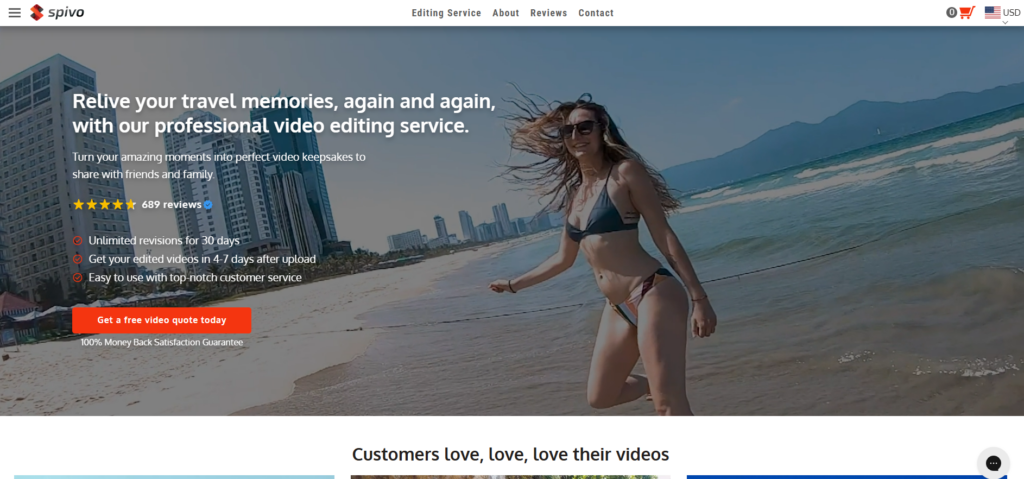
Spivo has carved out a niche specifically in travel and adventure video editing, which makes them a natural fit for GoPro footage. Their team works exclusively with action camera content, so they understand the quirks of wide-angle footage, underwater color correction, and how to piece together multiple camera angles from adventure shoots.
During testing, I sent them some scuba diving footage that looked like a blue-green mess straight from the camera. The color correction came back looking natural with proper skin tones and vibrant reef colors. They clearly know their way around underwater footage, which isn’t something every editing service can say.
The main drawback is the 7-day turnaround time, which is significantly slower than competitors. If you’re a weekly vlogger with tight deadlines, this could be a problem. But if you’re creating highlight reels or travel films where timing isn’t critical, the quality makes the wait worthwhile. They also offer bulk discounts up to 40% off if you’re editing multiple videos from a trip.
Pros
- Specialized expertise in adventure and travel content
- Excellent at combining multiple camera sources
- Strong color correction for underwater footage
- Licensed music included
- Unlimited revisions with money-back guarantee
Cons
- 7-day turnaround is slower than competitors
- Higher starting price point
- Revisions can take an additional 4 days
Best For: Travel vloggers and adventure content creators who prioritize quality over speed and shoot primarily with action cameras.
3. Tasty Edits
- Category: Professional video editing
- Best for: Business and professional content
- Ease of use: Intermediate
- Pricing: Starting at $239/video (packages available)
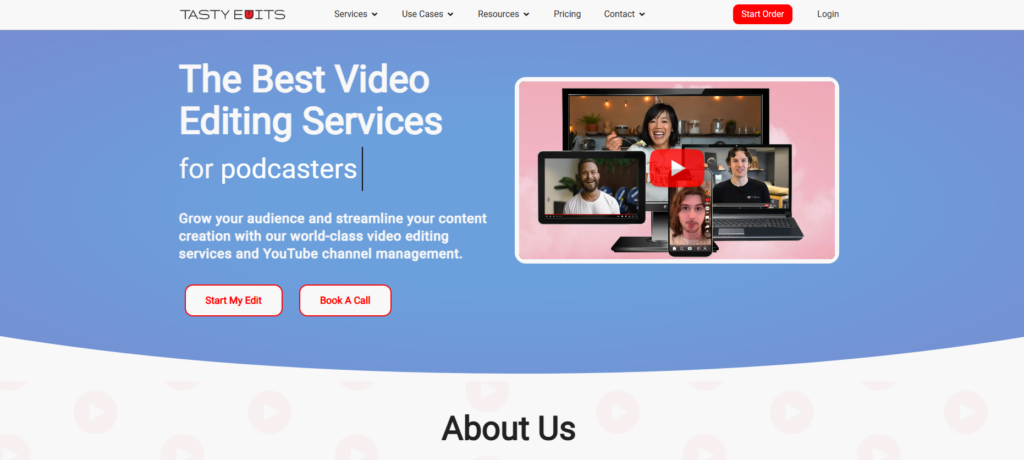
Tasty Edits positions themselves as a professional service, and their pricing reflects that. At $284 for a single horizontal video (or $239 if you buy packages), they’re one of the pricier options on this list. But they do offer quick turnaround times of 24-48 hours and handle GoPro-specific challenges like stabilization and color grading.
I found their service works best for polished, professional content rather than raw adventure vlogs. If you’re a business using GoPro footage for product demos, real estate tours, or corporate content where everything needs to look clean and polished, their approach makes sense. For casual creators or weekly vloggers, the pricing can add up quickly.
They also offer short-form editing at $75 per vertical video, plus add-ons like thumbnails for $37. The pricing model is project-based, which some creators prefer over hourly billing because you know exactly what you’re paying upfront.
Pros
- Fast 24-48 hour turnaround
- Professional-grade output quality
- Customizable packages available
- Good for business and corporate content
Cons
- Higher pricing than most competitors
- Additional fees for raw footage over 60 minutes
- May be overkill for casual content creators
Best For: Businesses and professional creators who need polished GoPro edits and can justify higher per-video costs.
4. Flatworld Solutions
- Category: Budget video editing
- Best for: Cost-conscious creators with flexible timelines
- Ease of use: Intermediate
- Pricing: Starting at $12/hour
Flatworld Solutions offers the most affordable option on this list at $12 per hour. They have a large team that operates around the clock, which means you can often get quick turnarounds despite the lower pricing. They handle standard GoPro editing tasks like stabilization, color correction, and format conversion.
The tricky part with hourly pricing is budgeting. A 10-minute GoPro video might take 2 hours to edit or it might take 5, depending on complexity. This unpredictability can make it harder to plan costs compared to flat-rate services. They’re also a general video editing company rather than GoPro specialists, so the quality can vary depending on which editor handles your project.
That said, they offer GoPro-specific services like video tagging for better searchability and can handle multiple formats for different platforms. If you’re working with a tight budget and don’t mind some inconsistency, they’re worth considering.
Pros
- Very affordable hourly rates
- Fast 24-hour turnaround available
- 24/7 support with global team
- Multiple revision rounds included
Cons
- Hourly pricing makes budgeting unpredictable
- Quality varies between editors
- Communication delays possible due to time zones
- Not specialized in action camera footage
Best For: Budget-conscious creators who need basic edits and can tolerate some variability in output quality.
5. Fiverr Freelancers

- Category: Freelance marketplace
- Best for: One-off projects and specific needs
- Ease of use: Varies by seller
- Pricing: Starting around $50
Fiverr gives you access to thousands of freelancers, some of whom specialize in GoPro and action camera editing. The platform lets you browse portfolios, read reviews, and find someone whose style matches your vision. Quality GoPro editing typically starts around $50, though prices vary wildly based on the editor’s experience and location.
The biggest advantage is choice. You can find editors who specialize in exactly what you need, whether that’s travel vlogs, extreme sports, or underwater footage. Some even offer 24-hour delivery for rush jobs. The flip side is that finding the right freelancer takes time, and quality can be hit or miss even with good reviews.
If you’re looking for a more consistent experience than hunting through freelancer profiles, working with an established service where you can build a relationship with professional video editors often makes more sense. But for one-off projects or when you need a very specific style, Fiverr can work well.
Pros
- Wide variety of styles and specialties available
- Direct communication with the editor
- Competitive pricing from global talent pool
- Some editors offer very fast delivery
Cons
- Quality varies significantly between sellers
- Time-consuming to find the right freelancer
- Limited recourse if things go wrong
- Additional services often cost extra
Best For: Creators who have time to vet freelancers and want flexibility in choosing editors for specific project needs.
How to Choose the Right GoPro Editing Service
Picking the right service depends on a few key factors. If speed is your priority and you’re posting content regularly, Your Video Editor’s 24-48 hour turnaround makes it the obvious choice. For travel and adventure content where you can wait a bit longer, Spivo’s specialized expertise is hard to beat. Business content with higher budgets might justify Tasty Edits’ premium pricing.
Think about your volume too. If you’re editing one video a month, per-video pricing works fine. But if you’re hiring a video editor for regular content production, look at packages or dedicated editor options that bring down your per-video cost.
Also consider the learning curve. Some services have complex onboarding processes while others let you upload footage and receive edits with minimal back-and-forth. If you value simplicity and don’t want to become an expert in communicating editing preferences, choose a service with an intuitive submission process.
Ready to Get Your GoPro Footage Edited?
At Your Video Editor, we handle GoPro footage daily and understand the specific challenges of action camera content. Our editors know how to stabilize shaky footage, correct underwater colors, and sync multiple camera angles without losing the energy that makes GoPro content exciting.
Whether you’re a weekend warrior with mountain biking clips or a travel vlogger with hours of adventure footage, we’ll turn your raw files into polished content that actually gets watched. No subscriptions, no expiring credits, and unlimited revisions until you’re completely happy.
Try us out with your next project and get 50% off your first video edit with code START50. Questions? Reach out at hello@yourvideoeditor.com.