You're probably in one of two places right now. Either your current editor is slowing you down every time you need to cut a client project, export multiple versions, sync multicam footage, or hand work off to someone else. Or you're ready to move beyond a beginner tool, but every “best professional video editing software” list looks the same and tells you nothing about what daily work feels like.
That's the real decision. The right editor isn't just the app with the longest feature list. It's the software that fits how you shoot, how fast you need to publish, who else touches the project, and whether you'd rather pay monthly, buy once, or avoid software overhead entirely.
The market keeps growing because more teams now need polished video across YouTube, TikTok, Instagram, webinars, ads, and internal communications. One market analysis values the broader video editing market at USD 3.75 billion in 2026 and projects USD 4.99 billion by 2031, with AV professionals holding the largest share and that segment projected to grow at a 6.1% CAGR, which tells you professional workflows are still driving demand for serious tools, not lighter hobby apps (Mordor Intelligence video editing market analysis).
This guide gets to the point. Below are 10 professional editors worth considering in 2026, with an emphasis on workflow fit, production environment, and the trade-offs that matter once deadlines, clients, and revision rounds enter the picture.
Table of Contents
- 1. Adobe Premiere Pro
- 2. Apple Final Cut Pro
- 3. Blackmagic Design DaVinci Resolve Studio
- 4. Avid Media Composer
- 5. VEGAS Pro
- 6. Grass Valley EDIUS 11
- 7. Lightworks
- 8. SGO Mistika Boutique
- 9. Autodesk Flame
- 10. Foundry Nuke Studio
- Top 10 Professional Video Editing Software: Feature Comparison
- Your Next Step in Professional Video Production
1. Adobe Premiere Pro
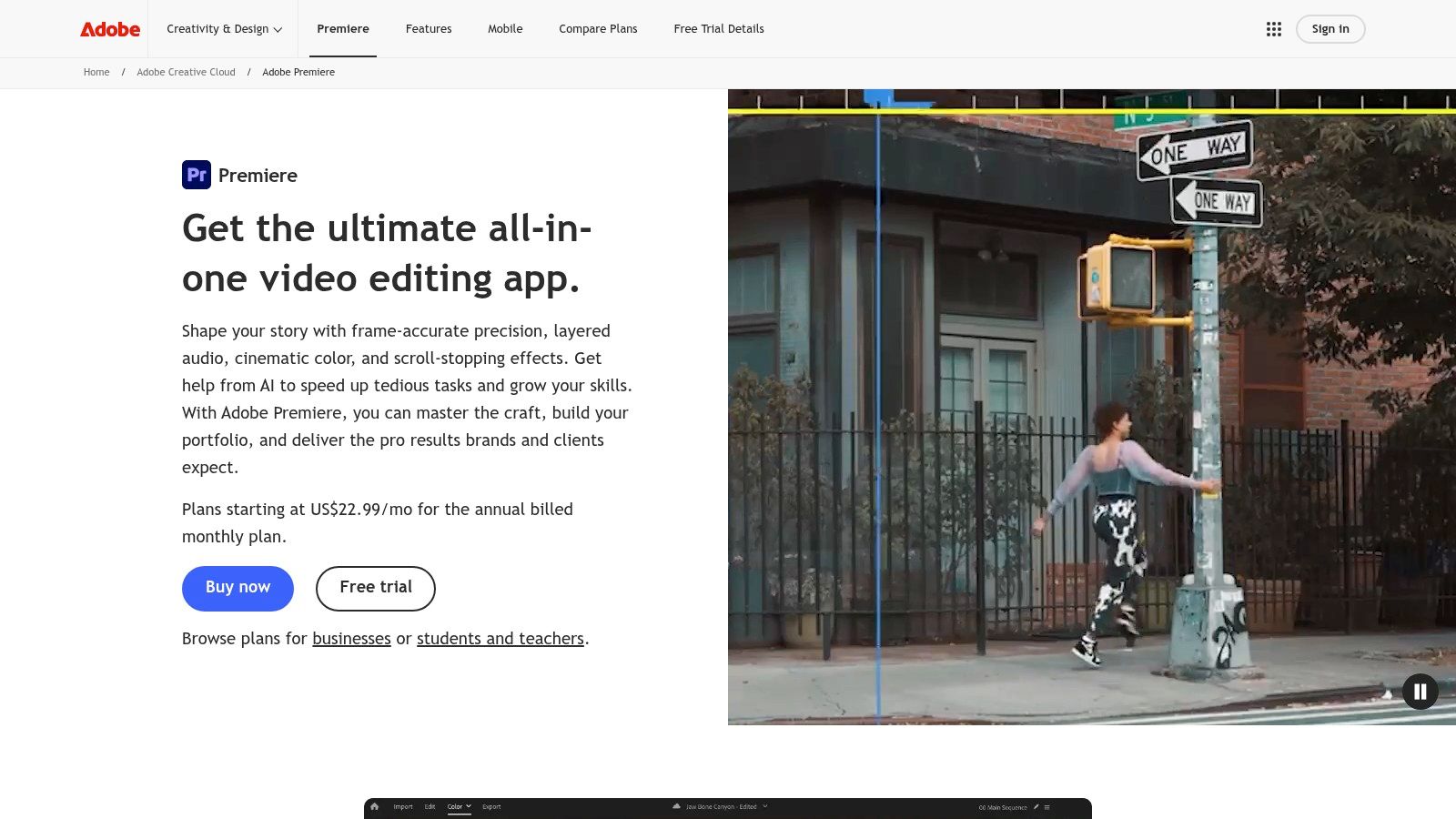
Premiere Pro is the default answer for a lot of working editors because it sits comfortably in the middle of creator, agency, and broadcast workflows. It handles timeline editing, multicam, captions, proxies, mixed formats, and handoff to After Effects without forcing you into a niche pipeline.
That reach shows up in adoption. As of 2026, Premiere Pro holds a 35% share of the global professional video editing software market, ahead of Final Cut Pro X at 25% and DaVinci Resolve at 15%, according to SendShort's professional video editing software statistics. In practical terms, that matters because finding editors, templates, plug-ins, and troubleshooting help is rarely a problem.
Why Premiere Pro fits so many teams
Premiere works best when video editing doesn't happen in isolation. If you need motion graphics from After Effects, image prep from Photoshop, audio cleanup in Audition, and review cycles inside the Creative Cloud ecosystem, Premiere reduces friction more than almost any competitor.
It's also strong for repurposing. Built-in transcription, text-based editing, and multicam syncing are useful when you're turning long webinars, podcasts, or interviews into shorter assets for multiple channels.
- Best for agencies: Team Projects, Productions, and Frame.io review workflows suit environments where several people touch the same content.
- Best for freelancers serving clients: Most clients and collaborators won't question a Premiere-based workflow because it's familiar.
- Less ideal for tight budgets: The subscription starts at approximately $22.99 per month, which is manageable for many pros but less appealing if your editing volume is inconsistent.
Practical rule: Choose Premiere if your editing timeline regularly leads into graphics, sound, approvals, and versioning. Don't choose it just because “everyone uses it.”
For Mac buyers comparing ecosystems, Final Cut Pro vs Adobe Premiere Pro is usually less about which app is stronger on paper and more about whether you want Apple-optimized speed or Adobe's broader production stack.
You can explore the software on Adobe Premiere Pro.
2. Apple Final Cut Pro
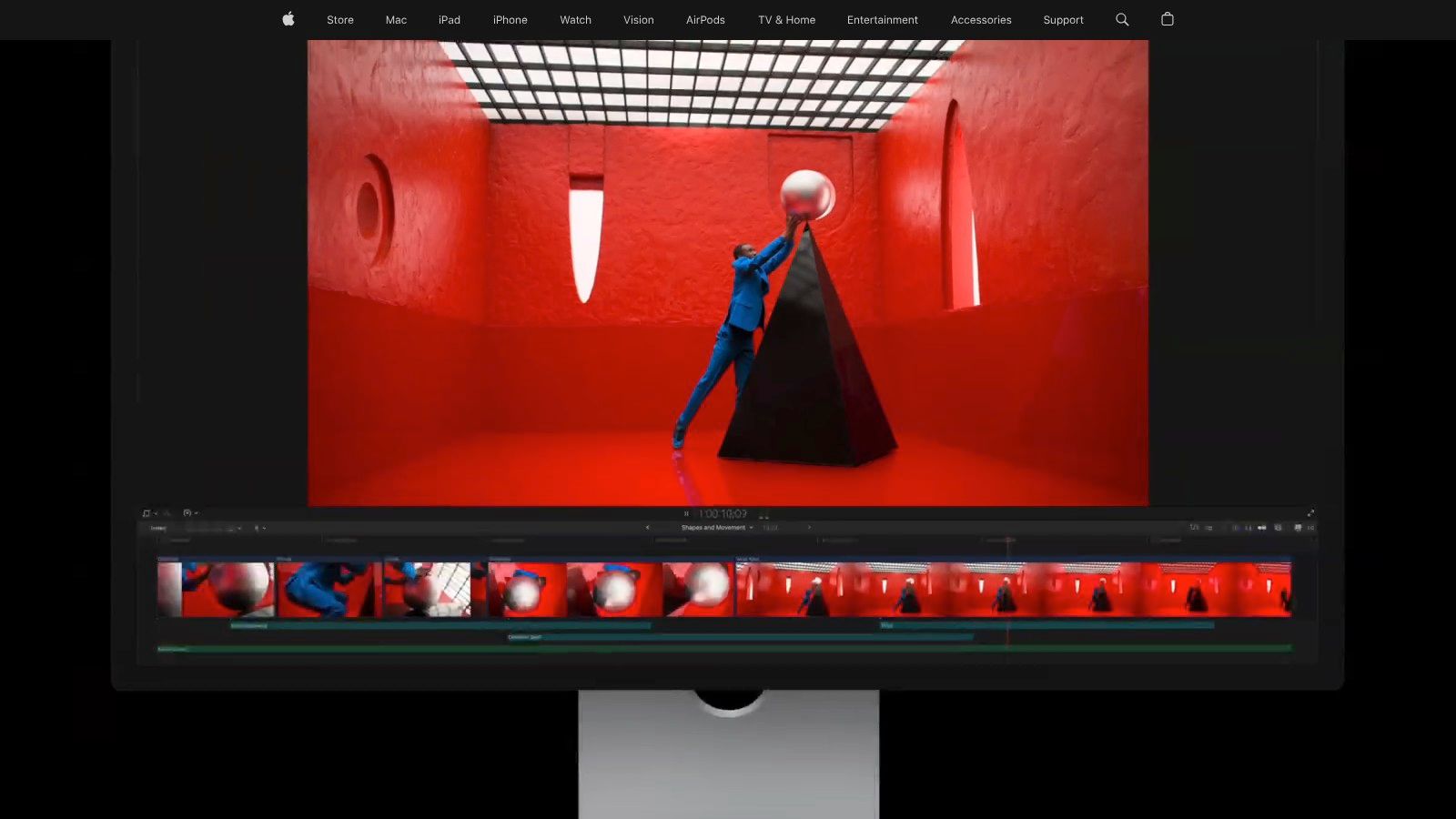
Final Cut Pro is what I recommend when someone says, “I need to edit fast, I'm on a Mac, and I don't want my software fighting me.” Its Magnetic Timeline still divides opinion, but for many solo editors it removes a lot of accidental mess from the timeline.
This is one of the clearest examples of workflow fit beating feature checklist comparisons. Final Cut isn't trying to mimic a traditional track-based editor. It's built for editors who want speed, organization through roles, and smooth playback on Apple hardware.
Where Final Cut Pro works best
Final Cut shines in lean production environments. A YouTuber, course creator, or small in-house media team can move from ingest to rough cut to social versions very quickly, especially when Smart Conform and title tools are part of the routine.
Its pricing model is also a serious part of the decision. A useful gap in most comparison content is long-term cost planning. Final Cut Pro charges a one-time $299 fee, while Adobe Premiere Pro costs $19.97 per month, or $239.64 per year, and the broader Adobe suite can run $51.98 per month for full functionality, as outlined by FilmSupply's review of professional film editing programs. For creators thinking in three-to-five-year terms, that difference can matter more than a few niche features.
- Best for Mac-first creators: Apple silicon performance is a real advantage in day-to-day editing.
- Best for fast turnaround work: The timeline encourages quick assembly and rearrangement.
- Less ideal for collaborative post teams: Shared workflows are possible, but they're more manual than in cloud-native or enterprise-focused systems.
If you edit alone or with one other person, Final Cut often feels lighter and faster than larger suites. If your work depends on structured handoffs across departments, it can start to feel less natural.
You can review the platform on Apple Final Cut Pro.
3. Blackmagic Design DaVinci Resolve Studio
DaVinci Resolve is the most complete value proposition in professional editing. It gives you editing, color, Fusion for VFX, and Fairlight for audio in one application, which is why so many editors grow into it and then stay there.
Its free version is the biggest reason it keeps entering serious workflows. Most software at that level asks you to commit financially before you know whether the app suits your brain. Resolve lets you build real projects first.
Who should choose Resolve
Resolve is for editors who want one environment for most of post-production and don't mind a steeper learning curve. If you're doing branded content, documentaries, online courses, YouTube, or short films, it can cover far more of the pipeline than most NLEs without forcing extra round-trips.
The multicam question matters here too. Mainstream lists often skip the reality that non-studio creators still need to sync several camera angles for podcasts, webinars, interviews, and event coverage. PCMag's category overview highlights DaVinci Resolve and CyberLink PowerDirector as strong multicam options, and the same source notes that 68% of solo podcasters and webinar creators struggle with multicam sync due to workflow complexity (PCMag best video editing software picks). Resolve is one of the few pro tools that gives budget-conscious editors a realistic path into that workflow.
Resolve is strongest when you want to stop exporting projects between separate apps just to finish a job.
There is a catch. Fusion's node-based mindset isn't intuitive for everyone, and the app rewards people who are willing to learn its logic instead of expecting Premiere-style behavior.
For editors weighing automation, captions, and newer post workflows, this guide on AI video editing tools is a useful complement to Resolve research.
You can see current capabilities on Blackmagic Design DaVinci Resolve.
4. Avid Media Composer
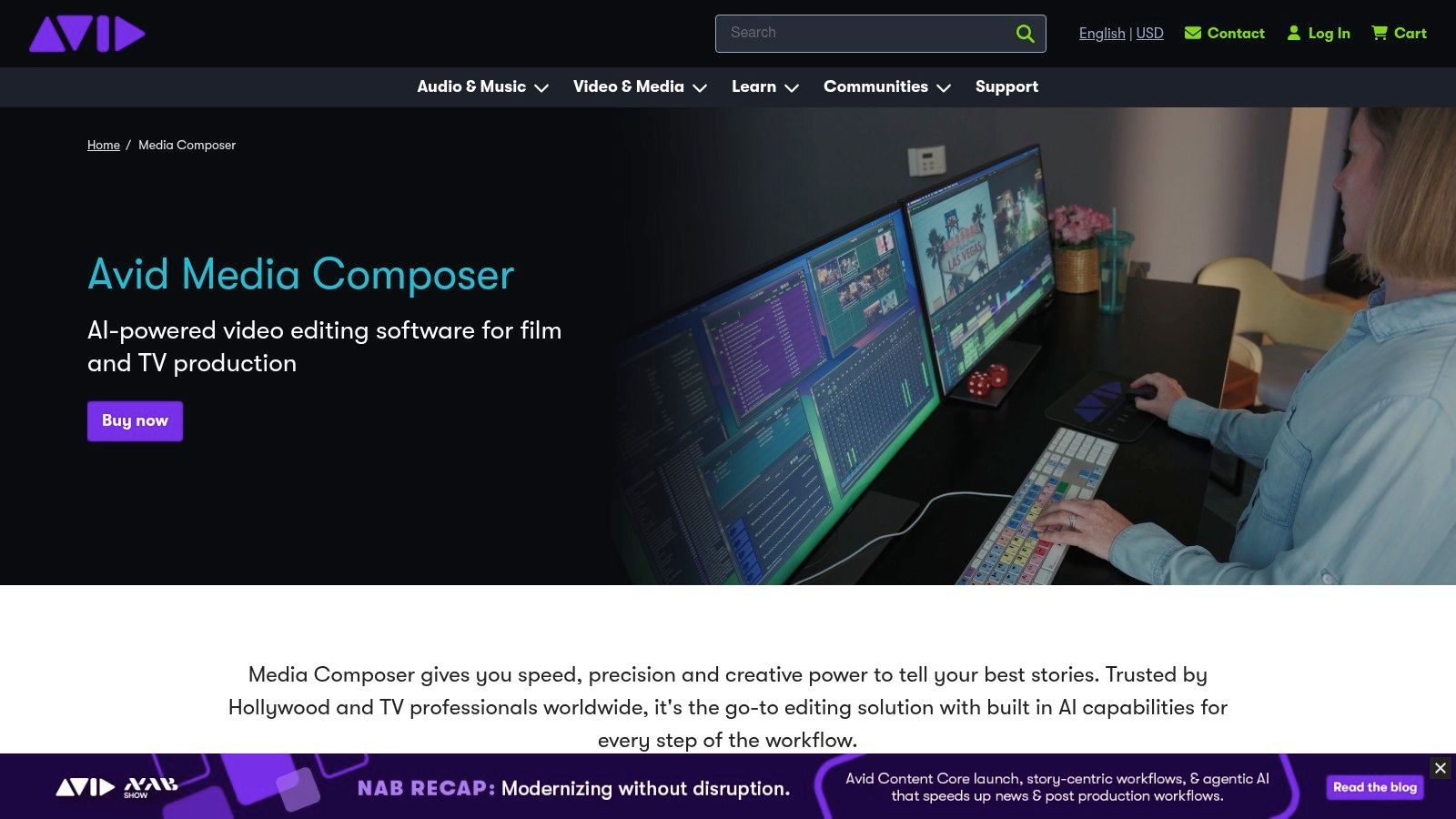
Avid Media Composer isn't trying to be trendy. It's trying to keep large editorial teams organized, protect media integrity, and support long-form work without chaos. That's why it still matters.
For many solo creators, Avid will feel heavier than necessary. For scripted, unscripted, broadcast, and newsroom environments, that weight is often the point.
Where Media Composer still wins
Avid's strength is controlled collaboration. Bin-based media management, project sharing, script tools, and deep integration with Avid storage systems make sense when multiple editors, assistants, producers, and finishing staff touch the same production.
This isn't the first tool I'd hand to a YouTuber. It is one of the first tools I'd trust for a long-form series with a lot of source material and strict editorial process.
- Best for broadcast teams: Shared projects and newsroom integration are part of Avid's natural habitat.
- Best for long-form editing: When footage volume grows, Avid's organizational discipline pays off.
- Less ideal for creator-style speed: The interface and workflow feel traditional compared with newer NLEs.
Editorial reality: If your work includes assistant editors, producers, script syncing, and storage infrastructure, Media Composer often solves problems before they turn into expensive delays.
Avid also tends to make more sense as part of a full ecosystem rather than a standalone purchase. If you're still narrowing the field of mainstream options, best video editing software offers a broader comparison before you decide whether you need an enterprise-grade editor.
You can review the product on Avid Media Composer.
5. VEGAS Pro
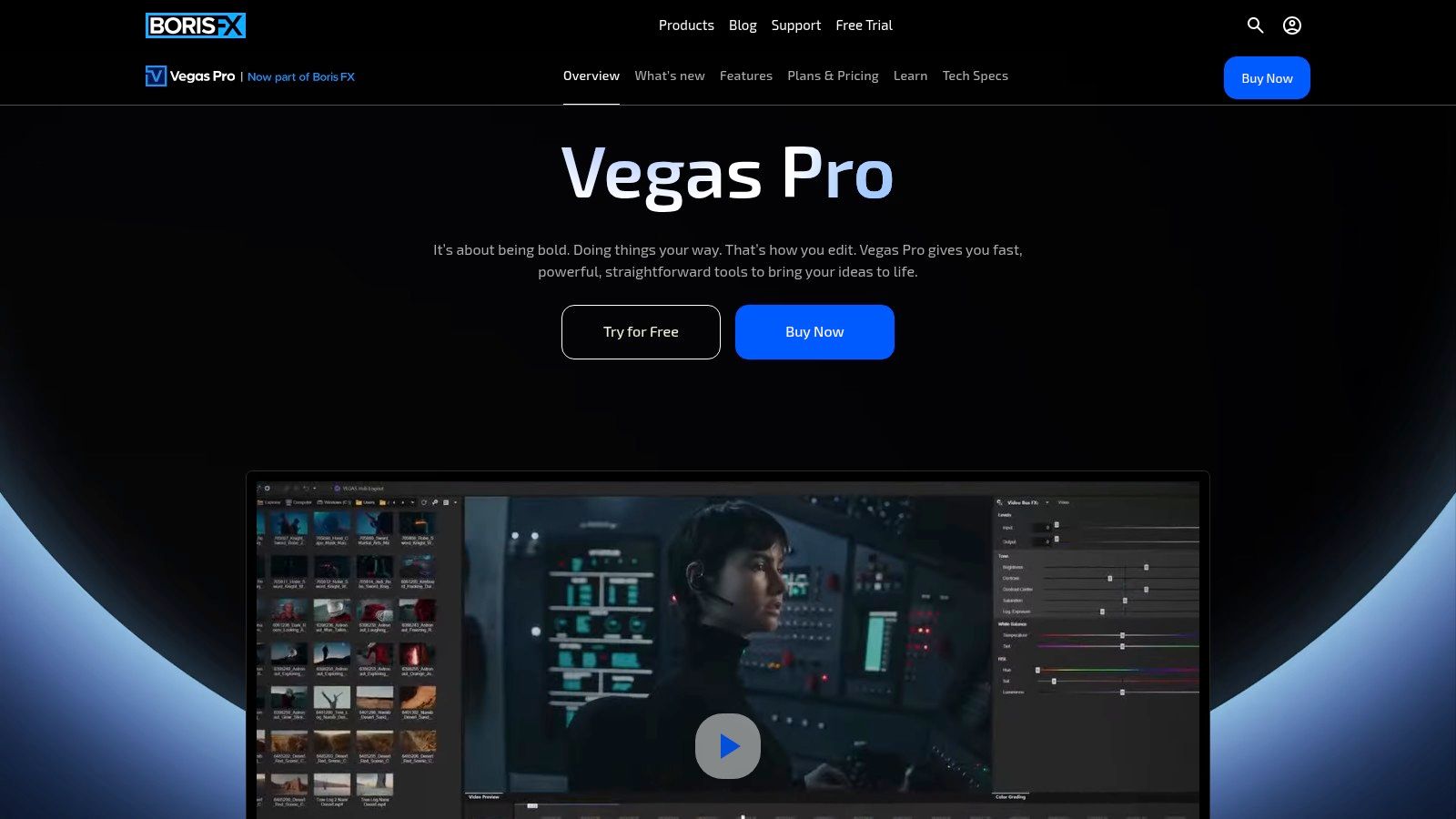
VEGAS Pro has always appealed to editors who want to move quickly on Windows without building an oversized post stack around the core editor. Under Boris FX ownership, it's even more attractive for people who want editing, effects, tracking, and audio tools bundled together.
That's the key appeal. VEGAS often reduces the need to go shopping for third-party extras right away.
Best fit for VEGAS Pro
VEGAS Pro is a practical option for solo professionals, small studios, and event editors working on Windows. The timeline feels fast, the audio side is stronger than many people expect, and the bundled packages can cover a lot of finishing needs without sending you into another app every hour.
It's especially useful when the work mix includes talking-head edits, promos, social cutdowns, and multicam event coverage. If your process relies on speed and self-sufficiency, VEGAS can be more comfortable than bigger ecosystems.
- Best for Windows-based freelancers: You get an editor that doesn't feel overengineered for one-person production.
- Best for editors who want bundled tools: Mocha, Continuum, Optics, and audio extras can simplify the stack.
- Less ideal for mixed-OS teams: Windows-only is the immediate limitation.
What doesn't work as well is broad industry handoff. If you routinely pass projects to agencies, broadcasters, or outside specialists, Premiere and Resolve usually create less friction because they're more common in shared pipelines.
You can evaluate the current bundles and features on VEGAS Pro.
6. Grass Valley EDIUS 11
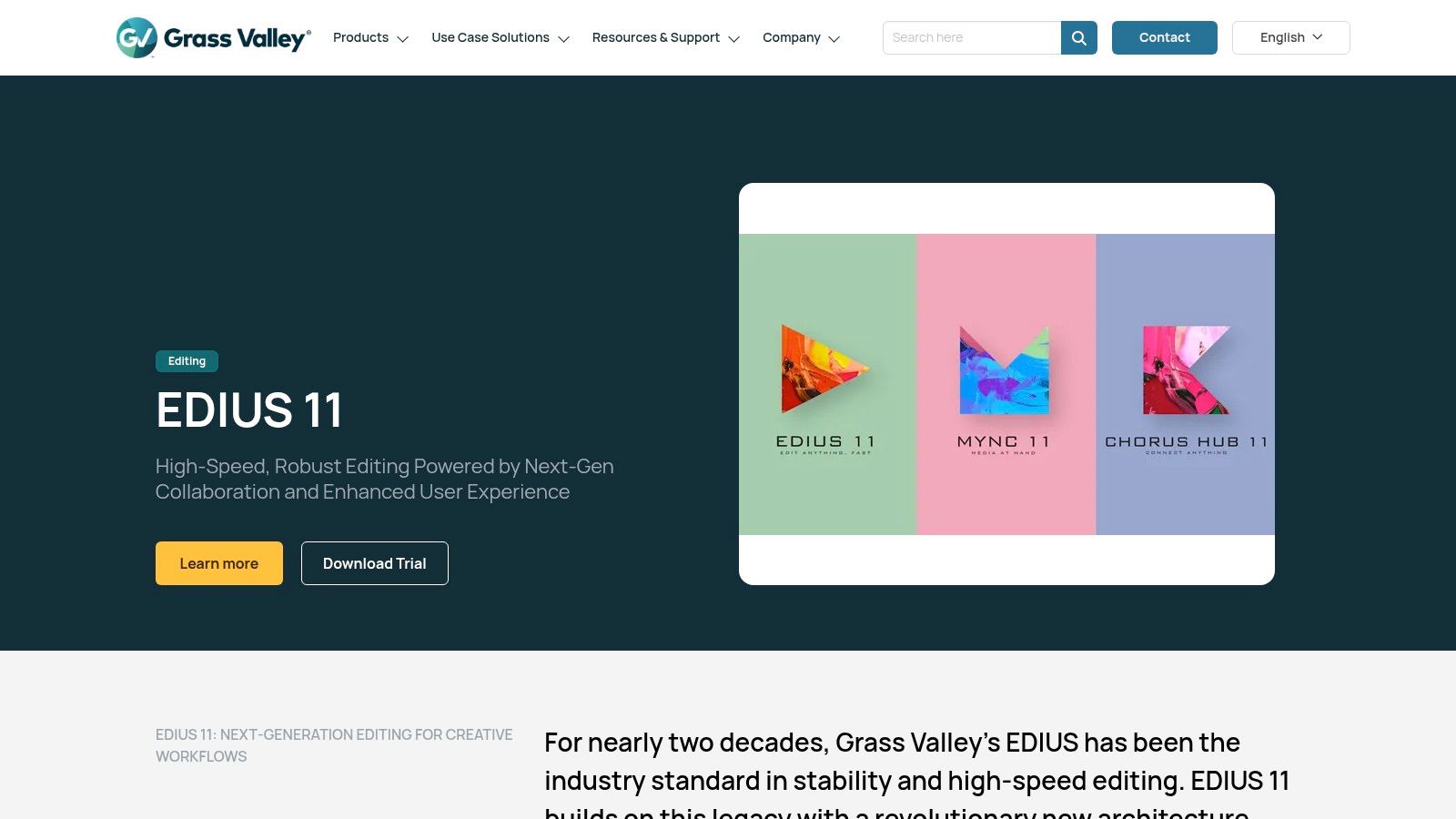
EDIUS is one of those tools that experienced editors respect even when it isn't the loudest name in the room. Its reputation comes from reliability, speed, and strong format handling in production environments that can't afford drama.
That makes it easy to undersell. EDIUS isn't flashy. It's dependable.
Why EDIUS earns loyalty
Newsrooms, event teams, and agencies with mixed footage sources often choose EDIUS because it deals well with varied codecs and long timelines without requiring a lot of babysitting. If your days are built around ingest, cut, export, repeat, stability becomes a feature in itself.
EDIUS also suits editors who don't want every workflow decision tied to a cloud ecosystem. It's strong when local production discipline matters more than ecosystem lock-in.
- Best for rapid-turnaround production: Event recaps, news packages, and volume-based agency work fit well here.
- Best for format-heavy environments: Broad codec support means fewer workflow interruptions.
- Less ideal for plug-in-heavy experimentation: The third-party ecosystem is smaller than what you get around Adobe or Blackmagic.
What doesn't work as well is community support density. You can absolutely build a serious workflow around EDIUS, but you won't get the same volume of tutorials, templates, and freelance handoff familiarity you'd get from Premiere or Resolve.
You can inspect the current version on Grass Valley EDIUS 11.
7. Lightworks
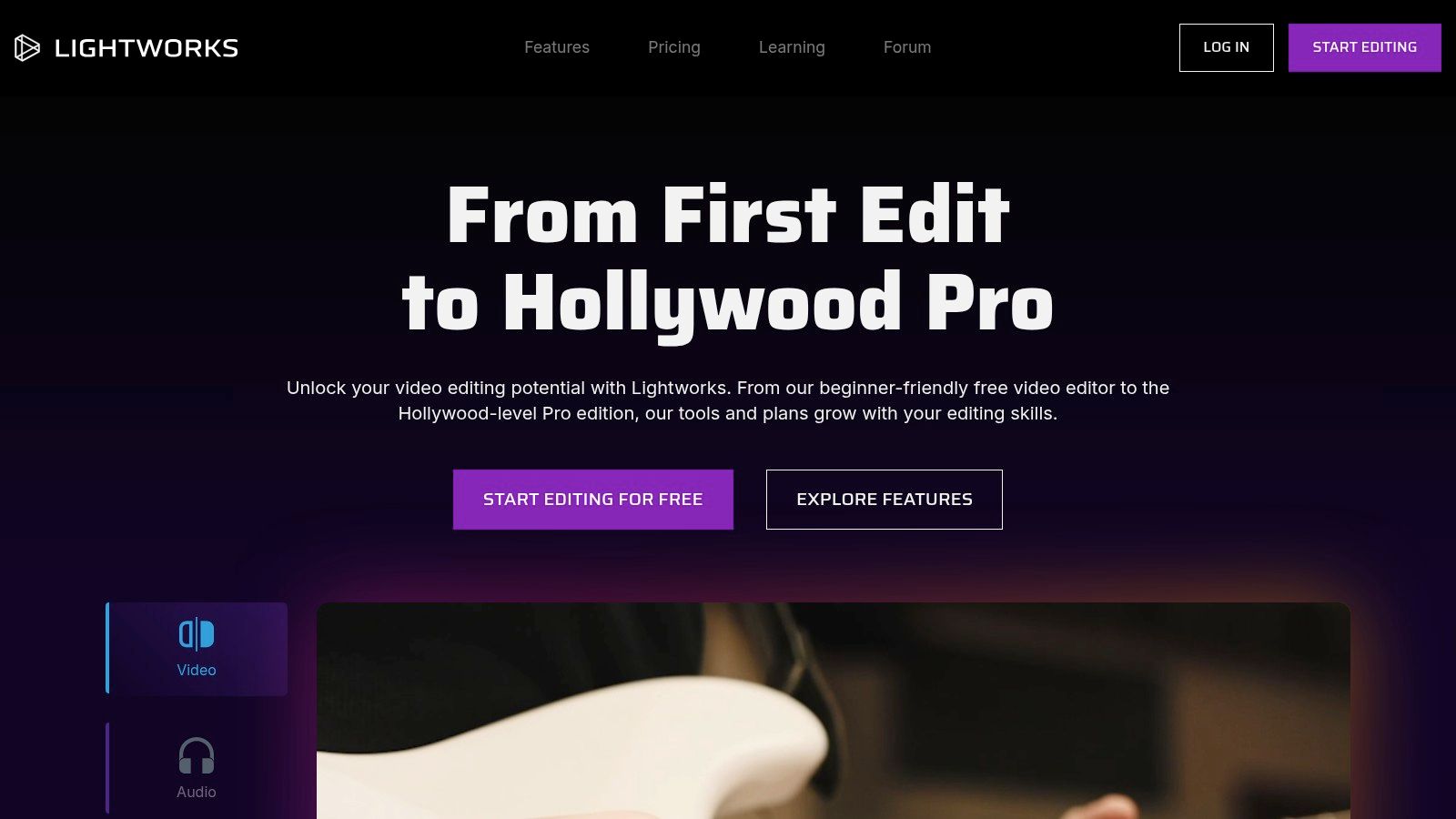
Lightworks occupies a useful middle ground. It's a long-standing professional editor with cross-platform support, including Linux, but it's still accessible enough for independent editors who want a real NLE without jumping straight into a heavier suite.
That Linux support is more important than many roundups admit. For some teams, platform flexibility is a workflow requirement, not a footnote.
When Lightworks makes sense
Lightworks is worth serious consideration if you want professional editing on Windows, macOS, or Linux and you value having a free tier before committing. It handles multicam, effects, and timeline editing capably, while paid tiers open up more advanced delivery and format support.
This makes it a reasonable fit for indie production houses, educators, and technical teams building custom environments. It's also a good option for editors who want to test serious editing concepts without fully buying into Adobe or Blackmagic on day one.
Some editors outgrow Lightworks. Others keep it because it solves the exact problem they have without dragging in a larger ecosystem.
Its biggest weakness is the surrounding market. You won't find the same depth of plug-ins, templates, or third-party training material that you get with the more dominant platforms. If your workflow depends on a broad external ecosystem, that can matter.
You can compare tiers on Lightworks.
8. SGO Mistika Boutique
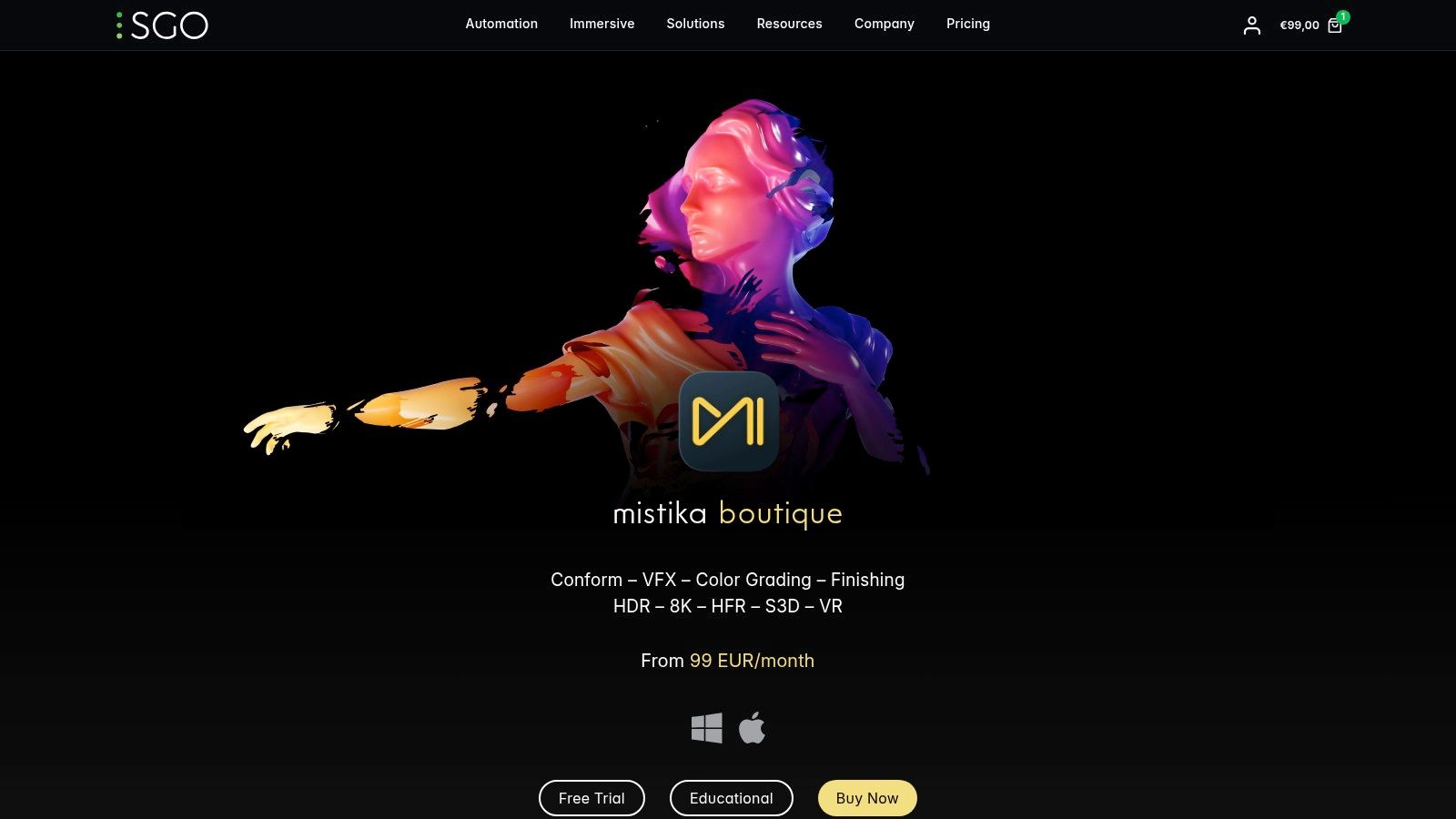
Mistika Boutique isn't a mainstream recommendation, and that's exactly why it belongs on a professional list. It's a finishing-focused system for shops that need high-end conform, HDR color, VFX flexibility, and stereo 3D or VR support in one environment.
This is not the software new users should start with. It is software some facilities shouldn't ignore.
Who Mistika Boutique is really for
Boutique post houses, specialist finishing artists, and advanced color-managed pipelines are the right audience here. Mistika works best when the job goes beyond conventional editing and into complex finishing, image treatment, immersive formats, or demanding delivery specs.
The unified timeline and node-stack approach is powerful if you already think like a finishing artist. If you're coming from standard creator workflows, it can feel more like a specialized instrument than a general editor.
- Best for advanced finishing: Strong fit for HDR, conform, and high-end image work.
- Best for niche deliverables: Stereo 3D, VR, and EXR-heavy workflows are where it becomes especially interesting.
- Less ideal for general content teams: Most YouTubers, agencies, and in-house marketers won't need this level of specialization.
The free learning mode is useful because Mistika is the kind of application you need to experience, not just read about. If your day-to-day work is mostly standard timeline editing, though, Resolve or Premiere will usually be easier to justify.
You can learn more on SGO Mistika Boutique.
9. Autodesk Flame
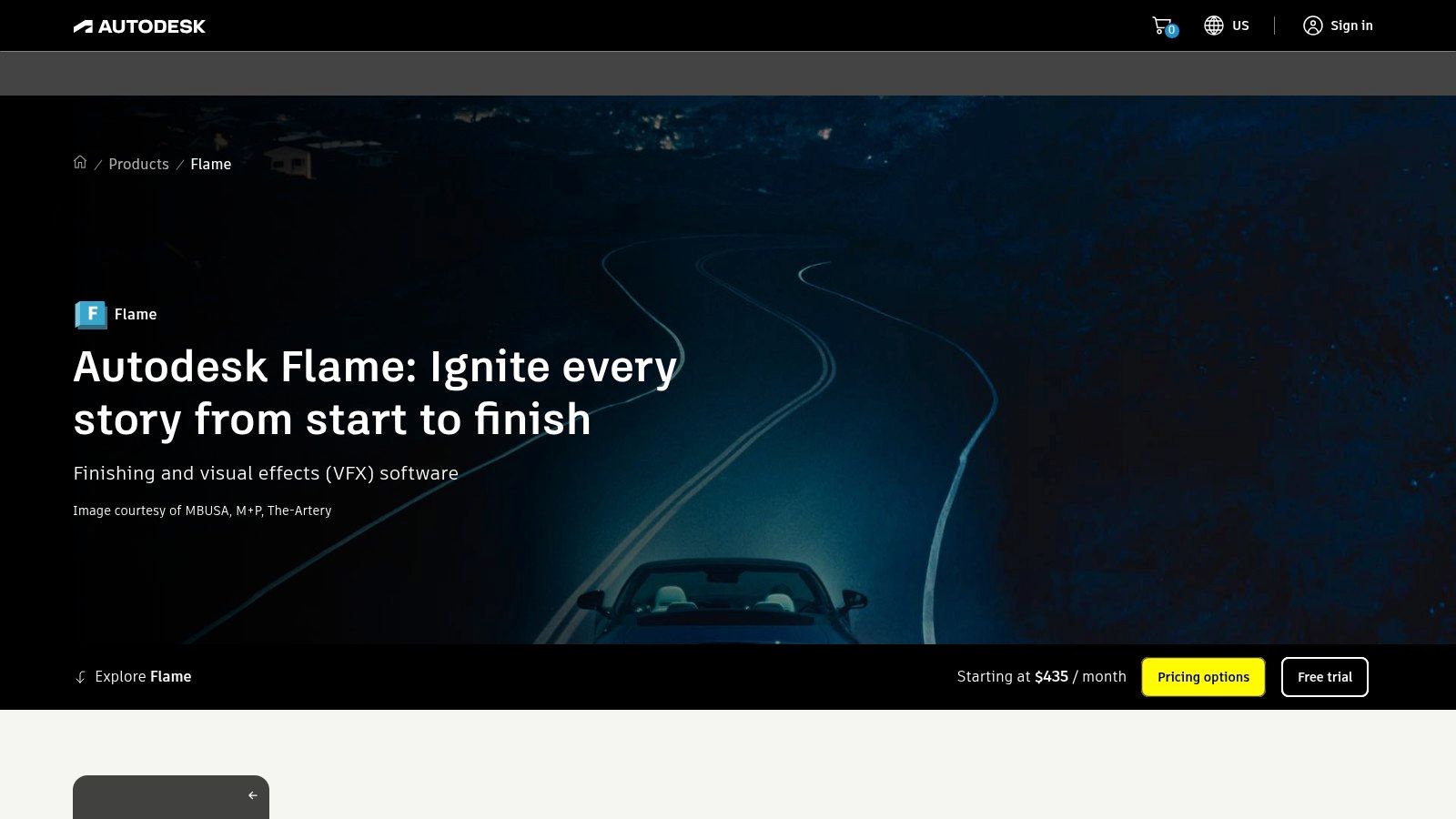
Flame sits in a different class from mainstream NLEs. It's a finishing and VFX platform built for commercial work, episodic finishing, and high-pressure client-attended sessions where changes happen live and the operator has to keep moving.
That client-attended part matters. Some software is fine until three stakeholders are in the room asking for alternate versions, graphics tweaks, paint fixes, and new looks while the clock is running.
Where Flame belongs in a pipeline
Flame is best when editorial and finishing need to stay close together and the work includes complex compositing, graphics, paint, and premium look development. Facilities that bill for high-end finishing sessions can justify it because the software is built for that environment.
For a general editor, Flame is overkill. For a commercial finishing artist, it can be exactly the right tool.
- Best for finishing houses: Especially strong in ad, promo, and premium episodic workflows.
- Best for supervised sessions: Live client review and rapid change requests are part of its design.
- Less ideal for standard editing tasks: It's not the economical answer for everyday content production.
The biggest downside is obvious. Flame requires specialist skill and sits at a premium tier. If your projects don't demand advanced finishing as a core service, the cost and complexity won't pay for themselves.
You can review Autodesk's overview on Autodesk Flame.
10. Foundry Nuke Studio
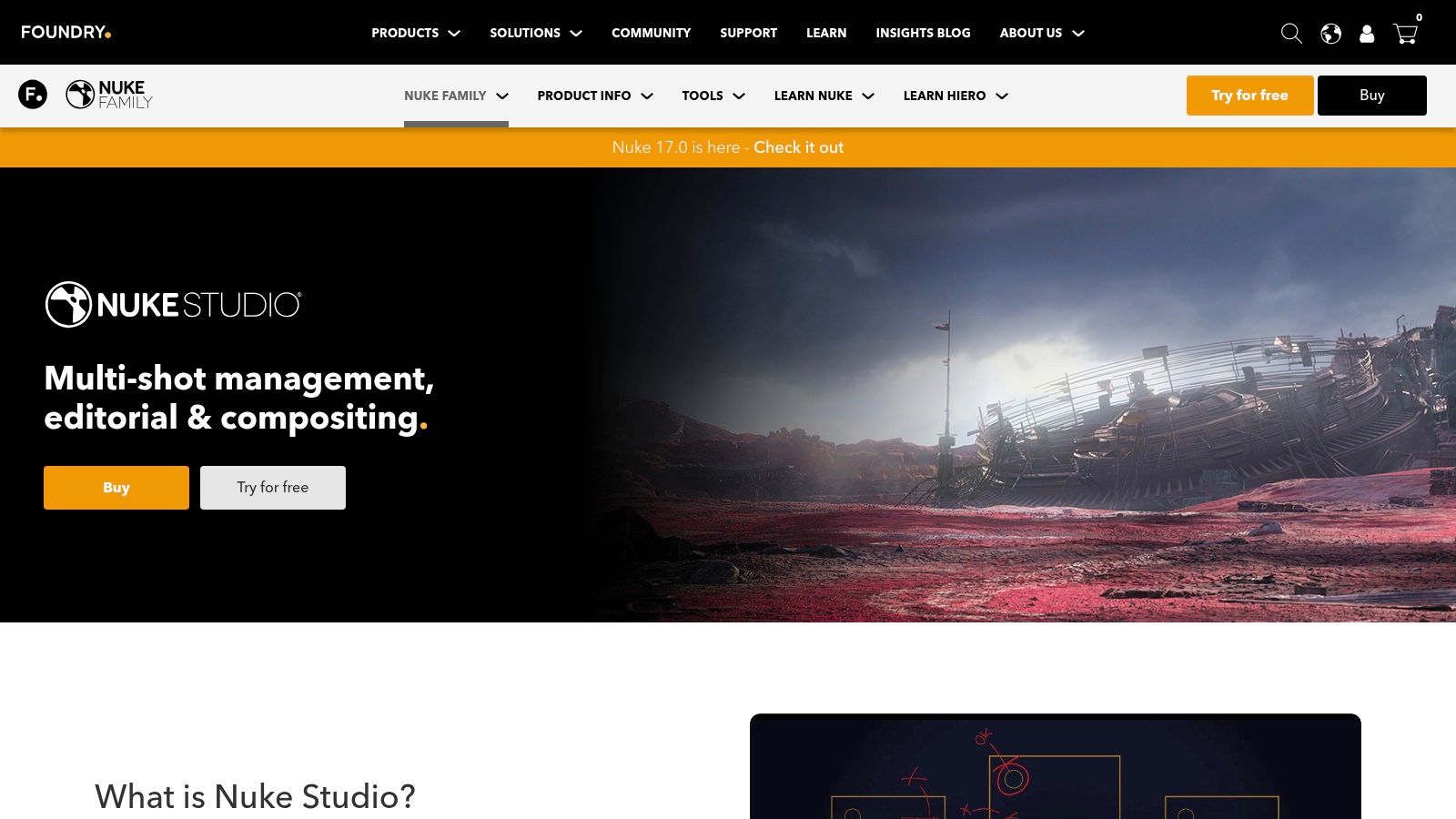
Nuke Studio is what you reach for when a pure NLE isn't enough because the project lives too close to compositing, shot management, and VFX review. It combines a timeline with the Nuke compositing core, which makes it especially valuable in VFX-heavy environments.
That means it's less about broad editing convenience and more about proximity to shot-based finishing.
Best use case for Nuke Studio
Nuke Studio is ideal for teams managing many shots that require versioning, annotation, review, and compositing awareness inside the editorial process. If your editor and compositor are constantly exchanging material, this setup can remove handoff friction.
It's strongest in studios where editorial exists to support compositing-heavy work, not in creator workflows that just need a faster way to cut a video.
Foundry's listed annual subscription price is US$6,379 per year on the Foundry Nuke Studio product page, and regional pricing may vary. That immediately tells you who it's for. This isn't a budget alternative to Premiere or Resolve. It's a specialist system for pipelines that need Nuke-level compositing integrated with timeline review.
If you're asking whether Nuke Studio is “worth it,” the answer usually depends on whether your business already depends on Nuke-style compositing. If not, it probably isn't the right first investment.
Top 10 Professional Video Editing Software: Feature Comparison
| Software | Core features | Quality (★) | Price / Value (💰) | Target (👥) | Top USP (✨🏆) |
|---|---|---|---|---|---|
| Adobe Premiere Pro | Timeline NLE, multicam, text-based captions, Frame.io integration | ★★★★ | Subscription (Creative Cloud) 💰 | Creators, agencies, enterprises 👥 | Tight Adobe ecosystem & plugin support ✨🏆 |
| Apple Final Cut Pro | Magnetic Timeline, Smart Conform, transcript/visual search, Apple silicon optimized | ★★★★ | One-time purchase 💰 | Mac-based YouTubers & indie teams 👥 | Real-time speed on Apple silicon ✨🏆 |
| Blackmagic DaVinci Resolve Studio | Edit + Fusion VFX + Fairlight audio + industry-leading Color | ★★★★★ | Free tier; Studio perpetual/paid 💰 | Colorists, post houses, pros & creators 👥 | Gold‑standard color + powerful free tier ✨🏆 |
| Avid Media Composer | Bin-based media mgmt, shared projects, broadcast-friendly workflows | ★★★★ | Subscription / enterprise options 💰 | Broadcast & large multi-editor teams 👥 | Proven large‑team, reliable editorial workflows 🏆✨ |
| VEGAS Pro (Boris FX) | GPU timeline, strong audio tools, bundled Boris FX effects | ★★★ | Perpetual or subscription tiers 💰 | Solo creators & small studios (Windows) 👥 | Integrated audio + bundled finishing tools ✨ |
| Grass Valley EDIUS 11 | High-performance timeline, broad codec support, minimal transcoding | ★★★★ | Perpetual license (reseller/region) 💰 | Newsrooms, event editors & broadcast 👥 | Stability & format flexibility for fast delivery 🏆✨ |
| Lightworks (LWKS) | Cross-platform NLE, multicam, free/Create/Pro tiers, Linux support | ★★★ | Free/Create/Pro subscriptions & pay-once options 💰 | Cross‑platform pros, Linux users & budget teams 👥 | Usable free tier + Linux pipeline support ✨ |
| SGO Mistika Boutique | Finishing-centric: HDR, node stacks, advanced color & VFX, stereo/VR tools | ★★★★ | License / pro pricing; free learning mode 💰 | Finishing boutiques & color/VFX specialists 👥 | Unified finishing & deep HDR/stereo toolset 🏆✨ |
| Autodesk Flame | High-end finishing, compositing, look development, client sessions | ★★★★ | Premium subscription (enterprise) 💰 | Top-tier facilities & commercial finishing 👥 | Client-attended finishing + deep compositing tools 🏆✨ |
| Foundry Nuke Studio | Nuke node compositing + multi-shot timeline, versioning & review | ★★★★ | High-cost subscription (~US$6,379/yr) 💰 | VFX studios & complex compositing pipelines 👥 | Nuke compositing at editorial scale ✨🏆 |
Your Next Step in Professional Video Production
The best professional video editing software isn't the one with the most features on a landing page. It's the one that holds up when your actual workflow gets messy. That means mixed footage, client revisions, last-minute exports, social cutdowns, multicam sync, captions, graphics, and file handoffs that have to work on schedule.
If you're a solo creator on a Mac, Final Cut Pro makes a lot of sense when speed and simplicity matter more than ecosystem breadth. If you want the broadest general-purpose tool with strong industry familiarity, Premiere Pro is still the safest all-around pick. If budget matters but you still want serious professional capability, DaVinci Resolve is hard to ignore. If you're in broadcast, long-form, or facility-driven post, Avid, Flame, Mistika, and Nuke Studio belong in a different conversation because they solve different problems.
There's also a financial reality behind this decision. One market snapshot found Premiere Pro held a 42% share among paid professionals in 2024, while the global video editing software market reached $4.7 billion that year with 14.6% year-over-year growth, according to Skillademia's video editing statistics roundup. The broad takeaway is simple. More people and companies are publishing more video, which increases pressure to choose a workflow that stays sustainable as output grows.
That sustainability question is where many teams make the wrong decision. They assume buying software solves the production problem. Sometimes it does. If you already enjoy editing, have the time to learn the platform, and can maintain a consistent pipeline, investing in the right software is the right move.
Sometimes it doesn't.
If your real bottleneck is time, consistency, revision management, or the lack of in-house motion design and finishing skills, another tool may just create more unfinished projects on your drive. A lot of businesses don't need to become better editors. They need a reliable production system that turns raw footage into publish-ready assets without constant oversight.
That's when outsourcing becomes the smarter investment. It makes sense when you're sitting on interviews, webinars, podcasts, course content, or short-form clips and the problem is getting everything cut, polished, branded, and delivered on time. In that situation, software knowledge matters less than turnaround, communication, and editorial consistency.
Before you commit, test your shortlist with your own footage. Not demo clips. Use the kind of material that stresses your workflow. A multicam interview, a webinar with messy audio, a short-form package that needs captions and graphics, or a long talking-head edit with multiple deliverables will tell you more in an afternoon than a week of marketing claims.
The right production path is the one that helps you publish high-quality video consistently. For some teams, that means buying software and building the skill in-house. For others, it means handing the edit to professionals and keeping internal time focused on strategy, filming, and distribution.
If you'd rather spend your time creating than living inside an edit timeline, Your Video Editor is a practical alternative. The service is built for YouTubers, creators, course producers, podcasters, and brands that need long-form edits, short-form clips, thumbnails, motion graphics, multicam work, audio cleanup, and brand-aligned delivery with clear turnaround times, revision workflows, and a client portal that keeps feedback organized.